How to Check AI Media for a Watermark—and What a “No Match” Really Means
Check for available provenance signals such as SynthID or Content Credentials, then interpret the result carefully: a watermark check cannot prove that media is true, false, or human-made.
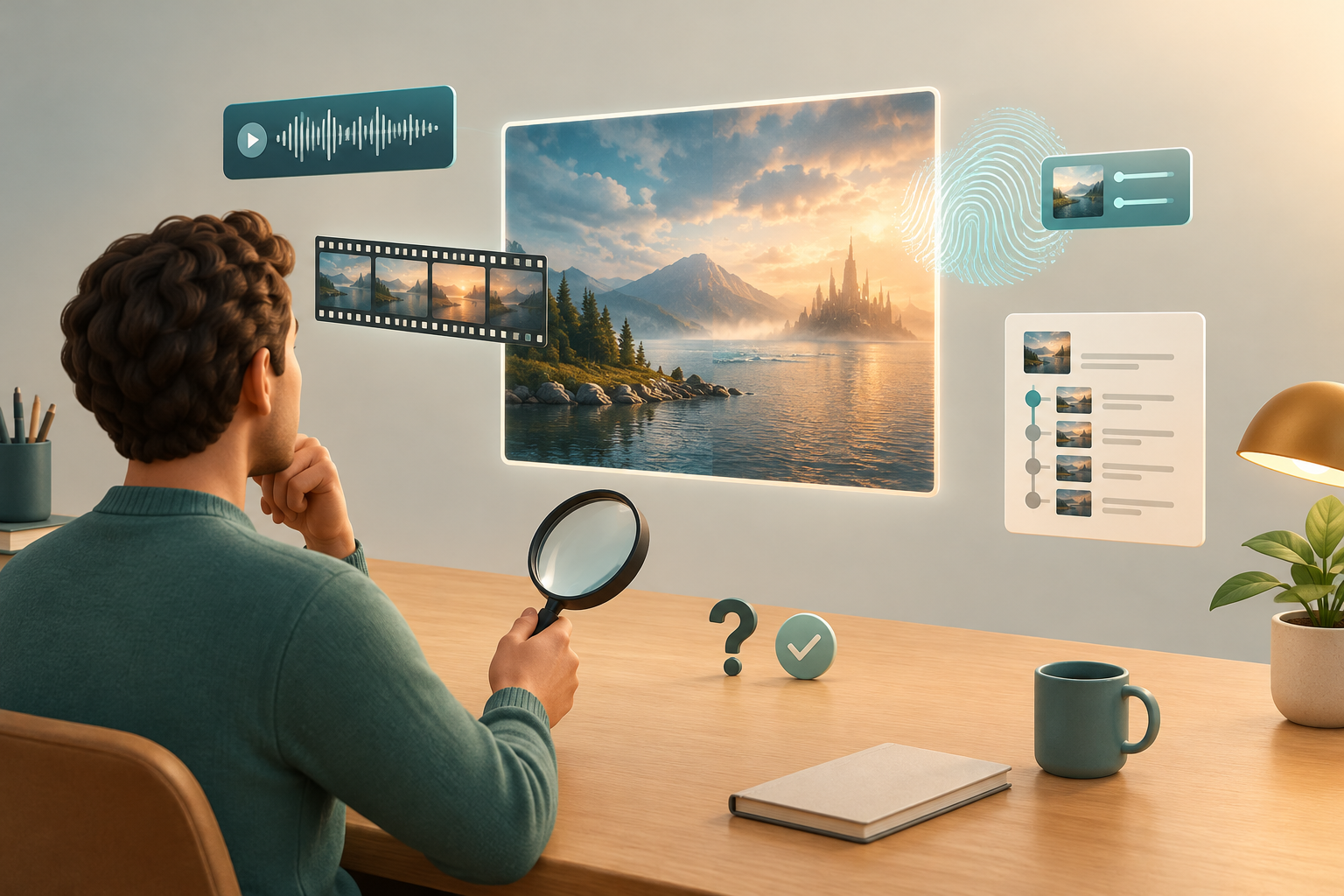
Start by separating provenance from truth
A watermark check can help investigate how a file may have been made. It cannot, by itself, settle whether the file depicts a real event or makes an accurate claim.
To check an image, video, or audio clip for an AI watermark, use a tool that specifically supports the watermark you want to investigate, then read its result as limited provenance information. For example, SynthID Detector is intended to check for SynthID signals in supported media; it is not a general-purpose test that classifies every file as AI-made or human-made.
Keep two questions separate: “Is there a provenance signal?” and “Is this content accurate and presented in context?” A real recording can be misleadingly captioned, cropped, or shared with the wrong date or location. Conversely, AI-generated or edited media may be clearly labeled, harmless, or used as illustration. A watermark result does not decide those questions.
- Provenance asks where media came from or how it was made or changed.
- Verification asks whether a specific claim about the media is supported.
- A watermark result is one clue, not a verdict.
Check Content Credentials when they are available
Credentials may offer details about a file’s origin or editing, but only when relevant information is attached and the tool can read it.
Content Credentials are a separate provenance signal from a SynthID watermark. Google’s Gemini help describes a verification workflow that can use both SynthID and Content Credentials. When credentials are present, they can provide information about media composition, edit history, and AI use.
If a verification tool shows credentials, read what they actually say: which information is available, what edits are listed, and whether the record addresses the question you have. Do not fill gaps with assumptions. If there are no credentials, that is not evidence that the file is authentic or that it has never been edited; it only means the workflow has no credential information to show for that file.
- Look for details about origin, editing, or AI use rather than relying on a label alone.
- Distinguish a credential record from an independent check that an event happened.
- Treat missing credentials as missing information, not proof of anything about authorship.
Check for SynthID with a supported tool
SynthID is a specific watermark system, so the key question is whether the checker supports the media and watermark you are testing.
Google describes SynthID as an imperceptible watermark embedded in some AI-generated media. Its Detector is designed to check for SynthID in images, video, and audio. That scope matters: a file can lack a detectable SynthID signal for reasons that do not establish how it was made.
Google’s November 2, 2026 AI roundup reported global English availability for SynthID Detector and described support for content from Google and named partners. Google DeepMind’s current description names OpenAI, NVIDIA, and Kakao among partners, and says Apple support is coming. These are tool-specific coverage details, not a promise that every file from those organizations—or every kind of AI-generated media—will be recognized. Availability and supported inputs can change, so check the current official tool instructions before relying on them.
Use the official verification experience rather than an unfamiliar site that promises a definitive AI-or-human answer. Before uploading a private, sensitive, or unpublished file, check the tool’s current privacy and data-handling terms. If the file cannot be uploaded or the format is unsupported, do not treat that as a result.
Understand what each result can—and cannot—tell you
Translate the tool’s wording into a narrow statement about the signal checked, not a broad claim about the media.
A positive result is evidence that the checker detected the watermark it was built to find. It is not proof that the content is deceptive, that every part of it was generated by AI, or that its caption is false. A creator could use generated media for a clearly disclosed illustration, for example, while the same provenance signal would not tell you whether a caption about a real event is accurate.
A negative or inconclusive result is narrower still: the checker did not identify the signal in the submitted material. It does not rule out other AI tools, other methods of editing, unsupported sources, or a file that the checker could not assess reliably. A “no match” therefore cannot prove human authorship or authenticity.
Read the exact result label and any explanation of coverage. If the tool says it cannot analyze the file, or if the format, duration, or quality falls outside its instructions, record the outcome as “not checked” rather than “no watermark.”
- Detected: a supported watermark signal was found; investigate context separately.
- Not detected: this check did not find that signal; authorship remains unresolved.
- Unable to check: the tool could not assess the submitted file; try another verification route.
| Outcome | What it supports | What it does not establish |
|---|---|---|
| Watermark detected | The checker found a signal it recognizes in the submitted media. | That the media is false, misleading, wholly AI-generated, or accurately captioned. |
| No watermark detected | The checker did not find the watermark it checks for. | That a person created the media or that it is authentic. |
| Unable to check | The tool could not assess the file or provide a result. | Anything about the media’s origin or truth. |
Use a short verification workflow before sharing
A few checks around the file can be more useful than repeatedly asking a detector to make a broader judgment than it can support.
Suppose a clip appears to show a public figure making a surprising announcement. A watermark check may reveal a supported provenance signal, but it cannot confirm when or where the clip was recorded, whether the sound matches the video, or whether the announcement was actually made. Trace the post and its claim separately.
- Keep the original file when possible. Note where you found it, when you found it, and the claim attached to it. Avoid relying only on a compressed screenshot or a repost if a higher-quality original is available.
- Check the tool’s scope. Confirm that it accepts the media type and file you have, and that it checks for the watermark or credentials you are interested in. Follow its submission and privacy instructions.
- Review any result narrowly. Record whether a watermark was detected, not detected, or impossible to assess. Read available credential information without treating it as proof that a depicted event occurred.
- Trace the media to its earliest available source. Look for the original account, publication, event, or recording, and compare the caption and date with what that source says.
- Seek independent corroboration when the stakes matter. Check reliable reporting or other primary material that independently supports the specific claim, rather than several posts repeating the same clip.
- Decide what you can responsibly say. If the source or context remains unclear, do not share the clip as verified. You can describe it as unverified, or wait until better evidence is available.
Choose the next step based on the stakes
Not every doubtful post needs an investigation, but the cost of being wrong should shape how much checking you do.
For a low-stakes image shared as entertainment, a watermark check and a quick look at the original post may be enough to decide whether to pass it along with an accurate label. For media tied to health, money, safety, someone’s reputation, or a rapidly developing event, do not let a detector result substitute for independent confirmation.
If a clip concerns a current event, look for the earliest posting and reporting from sources with direct access to the event. If a recording is presented as evidence against a person, avoid amplifying it as fact while its source and context are uncertain. A tool’s inability to identify a watermark is not a reason to increase confidence.
The practical rule is simple: use watermark and credential checks to ask better questions about provenance, then verify the claim with evidence suited to that claim. If the evidence is still incomplete, describe the uncertainty or do not share.
- Low stakes: check the source and avoid overstating what the watermark result means.
- High stakes: seek independent evidence before treating the content as verified.
- Unclear source or context: pause sharing rather than turning “no match” into a green light.
Frequently asked questions
Does a “no watermark detected” result mean an image or video is real?
No. It means the checker did not find the particular watermark it checks for in the submitted file. It does not prove that a person made the media, that it is unedited, or that its caption is accurate.
Does a detected SynthID watermark prove a clip is fake?
No. It indicates that the checker found a SynthID signal. It does not determine whether the clip is deceptive, whether its claims are true, or how much of the media was AI-generated.
Are Content Credentials the same as SynthID?
No. They are separate provenance signals. A verification workflow may use both, but their information and availability differ. Credentials can provide details about composition, edits, or AI use when they are present.
Can one watermark checker identify every AI-generated image, video, or audio clip?
No. A watermark checker checks for a particular signal within its supported scope. A result cannot rule out media made with other tools or without that watermark.
What should I do if a tool cannot analyze my file?
Treat it as unverified by that tool, not as a positive or negative result. Check the tool’s format instructions, look for available provenance information, and investigate the original source and claim separately.
Sources & further reading
Explore the original sources behind this article. Our editorial perspective is separate from the organizations we reference.
- [S1] Google AI news: October 2026 updatesblog.google
- [S2] Google SynthID — Google DeepMinddeepmind.google
- [S3] Verify AI-generated images, videos and audio - Computer - Gemini Apps Helpsupport.google.com