How to Audit Recurring Charges and Cancel Subscriptions
Find recurring charges in your statements and billing accounts, identify what each one is for, and cancel unwanted subscriptions through the right provider or platform. Then document the request and check for further charges.
How to audit recurring charges
A useful audit links each payment to a service, a decision, and—if you cancel—a record you can check later.
To find recurring charges and cancel subscriptions you no longer want, compare recent payment records with your account and billing emails, identify the service behind each charge, and cancel it through the company or platform that manages the subscription. Keep a record of the cancellation and review later statements for further charges.
A review before holiday spending can help you understand which expenses are already scheduled, but there is no need to assume subscriptions increase during a particular season. Treat the audit as a practical snapshot: billing schedules differ, and an annual renewal may not appear on a recent monthly statement.
Start with the payment records you already have
Look across the places you pay from, not only one bank statement.
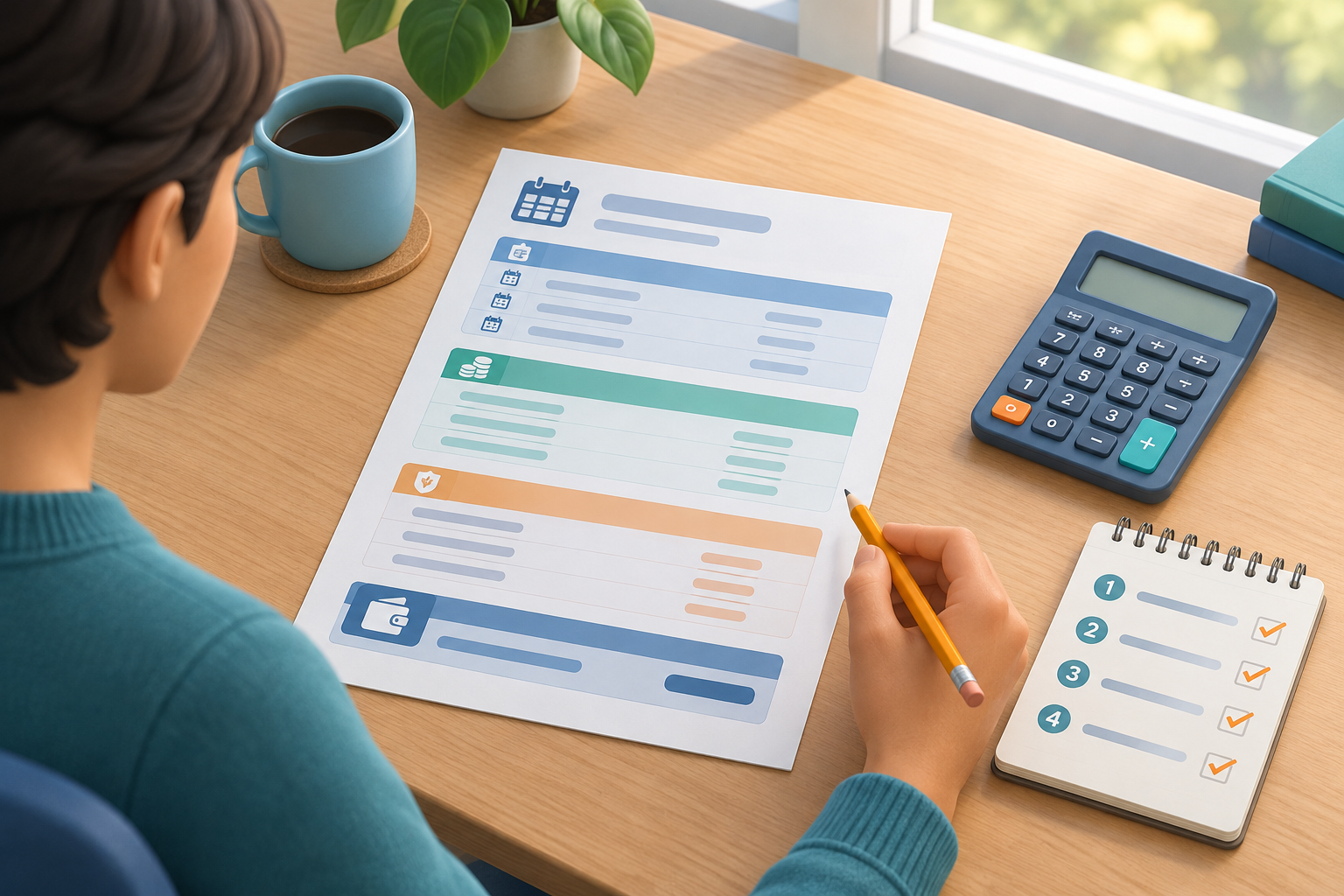
Gather recent statements for the bank accounts and cards you use, along with digital-wallet activity and any app-store subscription pages relevant to your devices. A manageable starting point is to review several recent statement periods, then look farther back if you suspect annual or less frequent billing. That is a practical approach, not a guarantee that every charge will appear in that span.
Scan for repeated amounts, familiar company names, and descriptions you do not recognize. A billing descriptor can differ from a product name, so do not cancel or dispute a charge solely because its label is unfamiliar. Search your email for the amount, the descriptor, words such as “receipt” or “renewal,” and the approximate transaction date. Also check purchase history and account billing pages for services you or another household member may have started.
If you use more than one card or account, keep the sources separate until you have matched the charges. Include digital wallets and services billed through an app store: the platform shown on the payment record may be the billing route, even when the subscription is for a different service.
Build a simple subscription inventory
A short list makes it easier to compare services and act without confusing similar charges.
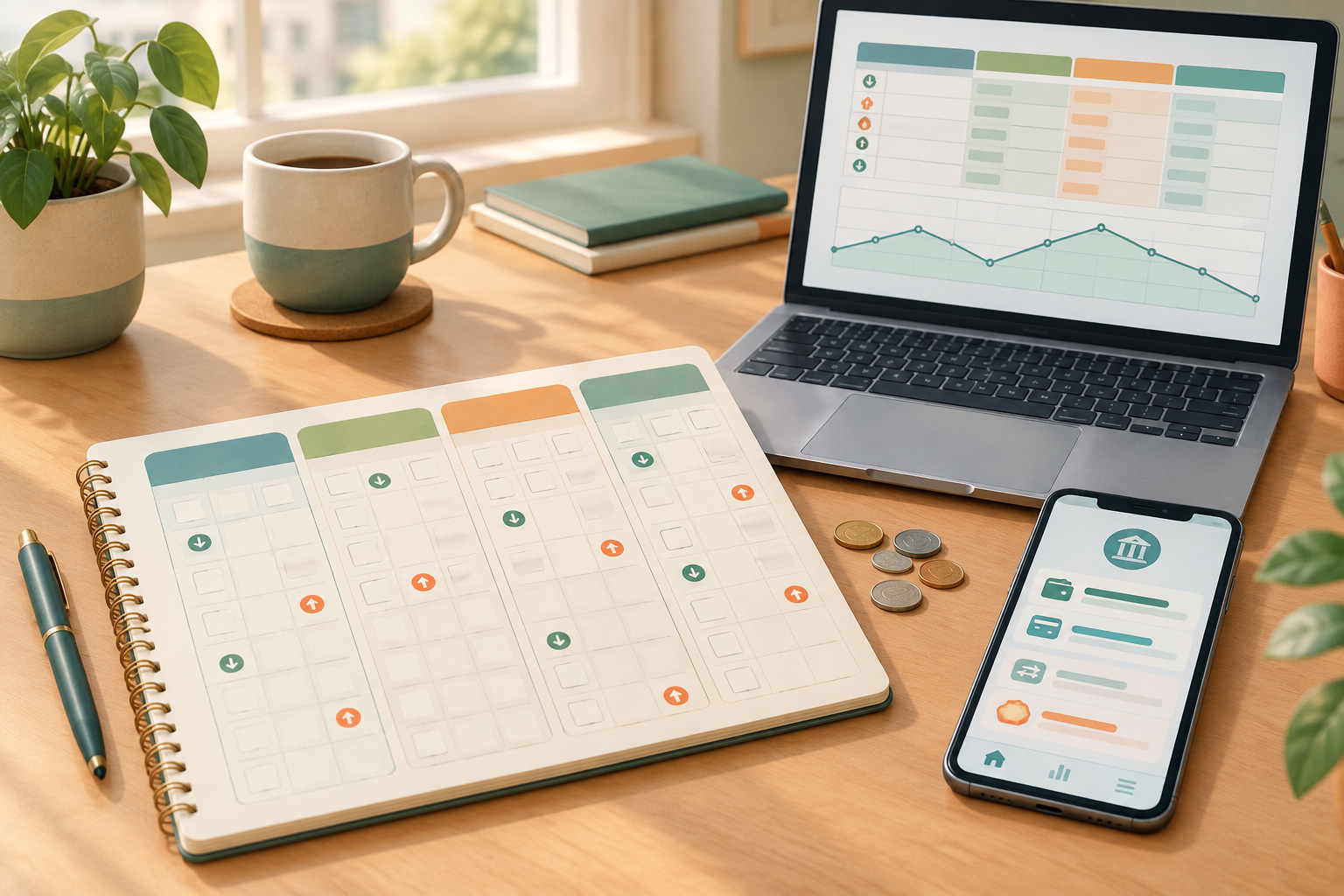
For each likely recurring payment, record the name of the service, the amount, how often it is billed, the payment method, and the next renewal date if you can confirm it. Add a note about where you found the information, such as a card statement, email receipt, or account page. Avoid storing full card numbers or passwords in a general-purpose list.
If an amount changes or the renewal date is unclear, mark it as unconfirmed rather than guessing. One payment can cover a bundle, household plan, or more than one service; check the account details before deciding that it is a duplicate. The inventory is a working document, not proof that you have found every subscription.
| Service or charge | Amount and frequency | Payment route | Renewal date | Decision or next step |
|---|---|---|---|---|
| Video service | $X monthly | Card ending in ••42 | Check account | Keep; review plan |
| Fitness app | $X annually | App-store billing | Date shown in account | Cancel if no longer wanted |
| Unfamiliar descriptor | Amount to verify | Bank account | Unknown | Check receipts and contact provider |
Decide what to keep, investigate, or cancel
Make decisions from confirmed account details rather than from a charge label alone.
Sort the inventory into three groups: keep, review, and cancel. “Keep” means you recognize the service and still want it. “Review” is for unclear charges, duplicate-looking services, free trials you do not remember starting, or plans whose renewal details are uncertain. “Cancel” is for a service you have identified and no longer want.
For an unfamiliar charge, compare the date and amount with receipts, household purchases, and account histories. If those checks do not identify it, contact the company using contact information found independently in a trusted account or official source. If you believe the charge is unauthorized, ask your bank or card issuer how to report it and what information it needs. Their procedures and any applicable time limits can vary, so check promptly rather than assuming that an unfamiliar description proves fraud.
Before canceling a service you recognize, check its current terms for the effective date, any renewal timing, and whether cancellation changes access immediately or at the end of a billing period. Those details depend on the provider and plan. Make the decision with the information shown for your own account.
Cancel through the provider or billing platform
Use the channel that actually manages the subscription, then preserve evidence of what you submitted.
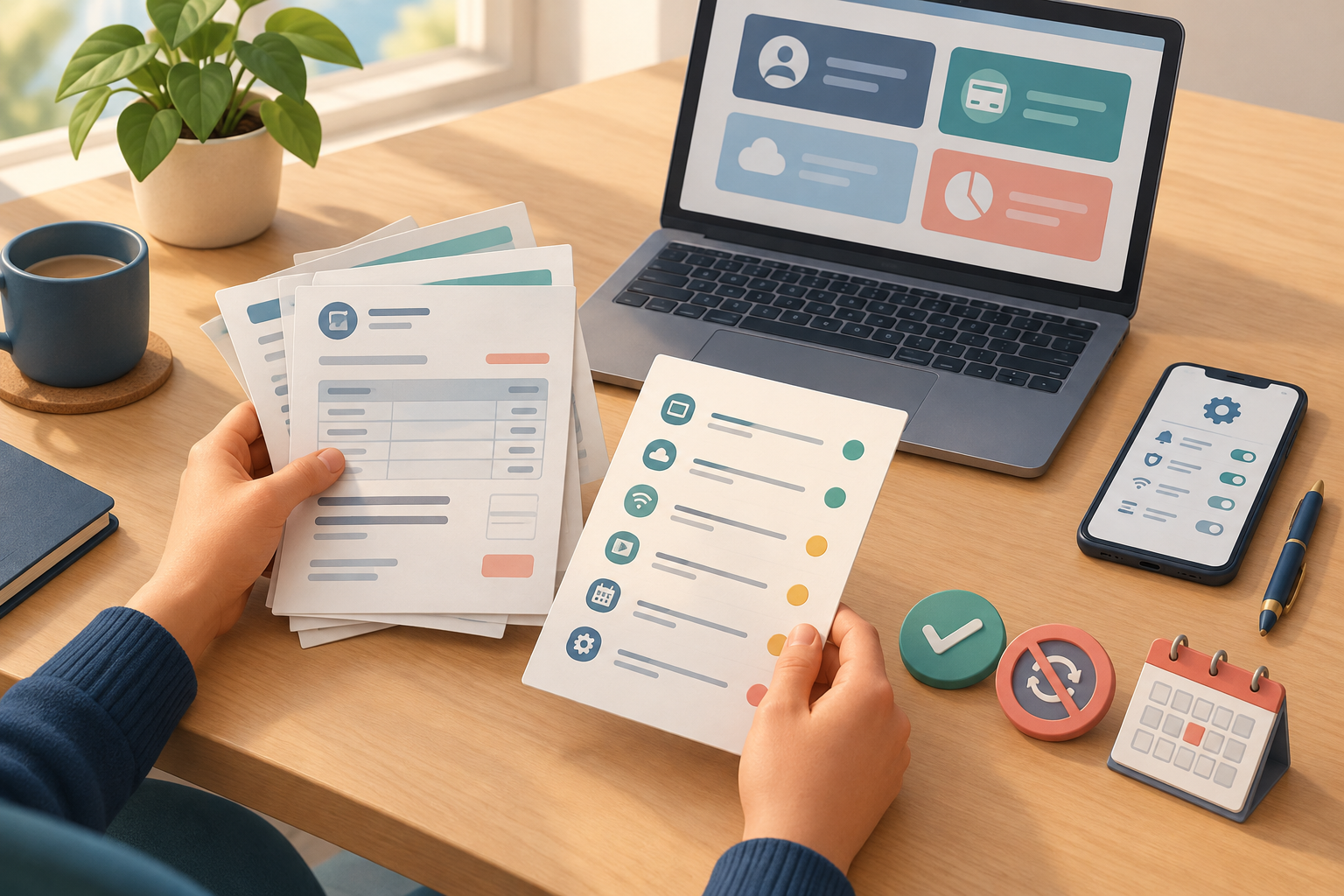
Sign in to the service’s official account and follow its current cancellation instructions. If your records show that an app store, digital wallet, or another billing platform manages the subscription, check that platform’s account settings and guidance instead. Do not assume that deleting an app, removing a payment card, or closing an account automatically ends the subscription.
After you submit the request, save the confirmation screen or email. If cancellation requires a conversation, note the date, the method you used, and any reference number or stated end date. The FTC recommends keeping a copy of a cancellation request and notes about related conversations, and checking statements afterward.
For example, if a streaming service appears on a card statement but its account page says billing is managed through an app store, cancelling only inside the streaming account may not be the right step. Verify the billing route first, follow that platform’s process, and retain the confirmation.
- Open the provider or billing platform’s current cancellation instructions.
- Check which account or payment platform manages the subscription.
- Submit the cancellation request and read any confirmation or end-date details.
- Save the confirmation, request copy, or notes from a conversation.
- Add a reminder to review the next relevant statement.
Stopping automatic payments is not the same as canceling
A payment instruction and the service agreement are separate issues; handle the one you intend to change.
If you only want to stop automatic debits from a bank account, contact your bank or credit union to ask about its process for revoking authorization or stopping a payment. The Consumer Financial Protection Bureau advises contacting the company to clarify whether you are ending the subscription or only stopping automatic payments. Stopping the payment method alone does not cancel an ongoing service contract or remove an amount owed.
That distinction matters if you block a payment but leave the service active: the provider may still consider the subscription in force under its terms. If you want to end the service, contact the provider or billing platform and complete its cancellation process as well. If you have already asked your financial institution to stop a payment, keep the provider cancellation task separate in your inventory and follow up on both.
For account-specific questions about a bank debit or payment authorization, ask your financial institution what it can do and what information it needs. This is general educational guidance; the process may depend on the payment method, provider, and your circumstances.
Check later statements and close the loop
A cancellation is not fully documented until you know what happened after the request.
After the cancellation date or next expected billing date, review the payment account for another charge from that service. Check the same payment method used before, and allow for the provider’s stated billing timing when deciding when to look. If a charge appears, compare it with your saved confirmation and account details, then contact the provider to ask what it represents.
If you believe a charge continued after cancellation or was unauthorized, contact the provider and your bank or card issuer as appropriate. Explain the timeline and share relevant confirmation or transaction details. The FTC advises checking statements for further charges after canceling. Keep copies of follow-up messages and any response; do not assume that a payment dispute itself has canceled the service.
Once the result is clear, update the inventory to show the cancellation date and outcome, or mark the service as kept. A brief reminder to review recurring charges periodically can make future renewals easier to spot. For now, start with one statement, match the charges you can, and follow the trail for anything that remains uncertain.
Frequently asked questions
Where should I look for recurring charges?
Check recent bank and card statements, digital-wallet activity, and subscription or purchase histories for relevant app stores and services. Search billing emails and receipts for unfamiliar descriptions. Some charges may be billed through a platform or account you do not check regularly, so no single source is guaranteed to show everything.
Does removing my card or blocking a payment cancel a subscription?
Not necessarily. The CFPB distinguishes stopping an automatic payment from canceling the underlying service. Contact the provider or billing platform to end the subscription, and ask your bank or credit union separately about stopping or revoking a payment authorization if that is also needed.
What should I save after canceling?
Keep the cancellation confirmation or a copy of your request. If you cancel by phone or chat, note when and how you contacted the company and any reference number or stated end date. Then check a later statement for further charges.
What if I do not recognize a charge?
First compare its amount and date with receipts, email, account histories, and household purchases. Contact the company through a trusted channel if you can identify it. If you believe the charge is unauthorized or continues after cancellation, contact your bank or card issuer and follow its instructions.
Sources & further reading
Explore the original sources behind this article. Our editorial perspective is separate from the organizations we reference.