Will Your Clocks Change on November 1? A Device-by-Device DST Check for 2026
Daylight saving time ends in much of the United States at 2 a.m. on November 1, 2026. Use this device-by-device checklist to see which clocks should update and what to verify afterward.
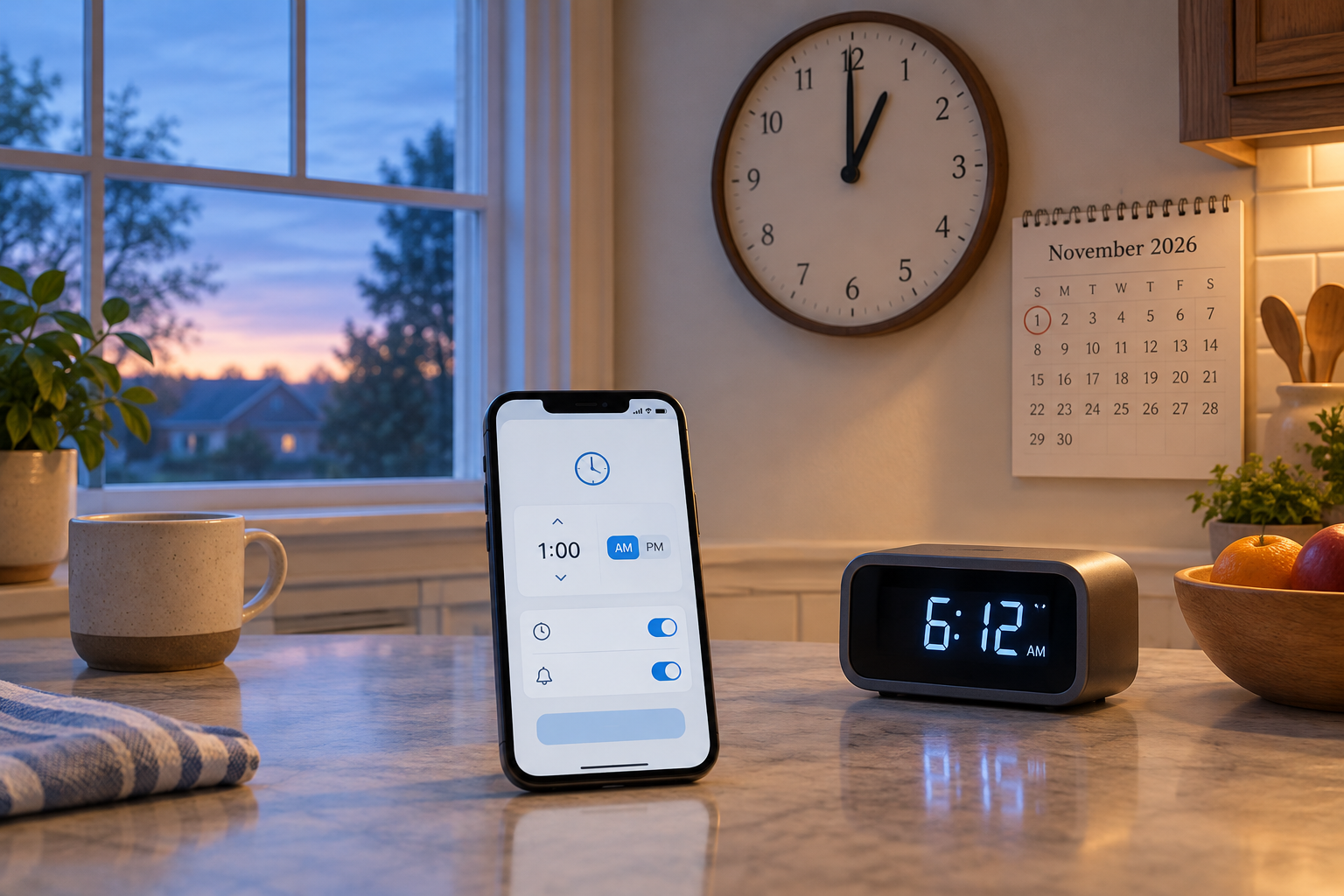
When do clocks change in 2026?
The November change happens at a specified local time, but only in places that observe daylight saving time.
In U.S. locations that observe daylight saving time, it ends at 2 a.m. local time on Sunday, November 1, 2026. At that point, clocks go back one hour to 1 a.m. standard time. The hour between 1 and 2 a.m. occurs again, so a clock may show 1 a.m. twice that morning.
This is a U.S.-focused guide. The change does not apply in every U.S. location, and other countries may use different dates or rules. Before changing a clock manually, confirm what applies where you live. The National Institute of Standards and Technology (NIST) lists the 2026 date and explains the general changeover rule. Its daylight-saving page was updated February 9, 2026.
- Date: Sunday, November 1, 2026.
- At 2 a.m. where the change is observed: set the clock back to 1 a.m.
- If a device handles the change automatically, avoid changing it early; check it after the transition instead.
Start with phones, tablets, and computers
Check the settings that let connected devices use the correct local time and time zone.
Computers depend on their operating systems for local time-zone and daylight-saving adjustments, according to NIST. For phones, tablets, and computers, look for settings with names such as Set Automatically, Automatic date and time, or Automatic time zone. The exact wording and menu location vary by device and software version.
If automatic time or time-zone settings are disabled, the device may not display the expected local time after the change. Turn them on if that suits your setup, and install available operating-system updates before November 1. An update is not a guarantee that every device will change correctly: its settings, software support, and location information all matter.
If you use a device with a manually selected time zone, check that it matches your current location. This matters especially if you recently traveled, moved, or changed the setting to work with a particular schedule. Do not change a correct time-zone selection simply because the clocks are changing.
- Check automatic date and time.
- Check automatic time-zone selection, or confirm the manually selected zone is correct.
- Install available operating-system updates before the change.
- Verify the displayed local time on Sunday morning.
Make a list of clocks that may need attention
A quick inventory prevents small but important displays from being overlooked.
Network-connected devices and standalone clocks do not necessarily handle time changes in the same way. A phone or computer may use its operating system and time-zone settings, while an appliance display or an older alarm clock may require a manual adjustment. Check each item rather than assuming that one successful update means every clock is correct.
Walk through the places where you rely on a time display: bedside tables, the kitchen, a home office, the car, and any watch or alarm clock you use. Note whether each clock appears to receive time from a connected device or whether it has to be set with buttons, a dial, or a remote. If you are unsure, check its settings or instruction manual.
Pay particular attention to alarms and appointment reminders. If a standalone clock is wrong, an alarm set against that clock can also be an hour off. For important plans, use a time display you have verified rather than relying on an untested device.
- Household clocks and older alarm clocks
- Oven, microwave, or other appliance displays
- Car dashboard or infotainment clock
- Wristwatches and clocks in a home office
- Any timer, reminder, or device that uses a manually configured time zone
| Device | What to check | What to do if it is wrong |
|---|---|---|
| Phone, tablet, or computer | Automatic date, time, and time-zone settings; available software updates | Check the settings and update the operating system if an update is available. |
| Smartwatch or connected display | Its own time settings and any connection or companion-device settings | Consult the device’s settings or manufacturer guidance; do not assume it follows your phone. |
| Appliance or standalone alarm clock | Whether it updates automatically or has manual controls | Use the controls or instruction manual to set the correct local time. |
| Car clock | Whether its clock is automatic, manually set, or controlled through infotainment settings | Check the vehicle’s clock settings or owner’s manual. |
| Watch without automatic time setting | The displayed time after the change | Adjust it manually if needed. |
Check older automatic clocks for outdated rules
An automatic clock can still be wrong if its programming does not reflect current time-change rules.
Automatic does not always mean current. NIST warns that some older automatic clocks may use outdated rules and change on the wrong date. This is a reason to verify the result, not evidence that a particular model will fail.
If a clock changes before November 1, does not change when expected, or shows a time that conflicts with a trusted reference, check the manual or the manufacturer’s guidance. Look for a way to update its settings or software if the manufacturer supports one. If there is no suitable update or the device cannot follow your location’s rules, you may need to set it manually.
Do not keep resetting a clock without first checking its time zone and automatic settings. A mismatch may come from the selected location rather than from the date-change rule itself. Record the correct setting or keep the manual nearby if you will need to repeat the adjustment later.
- Check the manufacturer’s instructions if the date or time looks wrong.
- Confirm the selected location or time zone before changing the clock manually.
- Recheck the display after any adjustment.
Confirm whether your location observes the change
The November adjustment is not universal across the United States.
NIST lists Hawaii and several U.S. territories among the places that do not observe daylight saving time, and notes that most of Arizona does not observe it. That means a device set to a location in one of these areas should not automatically be adjusted simply because November 1 is approaching.
Arizona has an important geographic exception: the Navajo Nation observes daylight saving time. If you are in Arizona, check the rule for your specific location rather than relying on the state name alone. Travelers should also check the local time at their destination, especially if crossing a state or territorial boundary.
For other locations, use an authoritative local source if you are uncertain. A clock’s time-zone setting should reflect where the device is being used; the same date can call for different treatment in different places.
- Hawaii does not make the November daylight-saving change.
- Most of Arizona does not observe it; the Navajo Nation is an exception.
- Several U.S. territories also do not observe daylight saving time. Confirm the applicable local rule.
Verify your clocks on Sunday morning
A short check after the transition can catch both manual-setting mistakes and automatic-update problems.
On the morning of November 1, compare the clocks you rely on with a trusted time source that reflects your local time zone. Check a phone or computer first if its automatic settings are correct, then inspect the standalone displays and alarms on your list. Do not treat one device as authoritative until you have confirmed its time zone and displayed time.
If a device is an hour ahead or behind, identify whether it uses automatic time, a manually selected time zone, or a manual clock setting. Correct the relevant setting, then compare it again. If it is an older model that changed on the wrong date, consult its manual or manufacturer guidance before relying on it.
For an appointment, travel connection, or other time-sensitive plan, verify the local time and any relevant time-zone difference directly. A calendar entry and a clock can each be correct while referring to different time zones, so check the location as well as the hour.
- Compare connected devices and standalone clocks against a trusted local-time reference.
- Check alarms, appliance displays, and the car clock—not just the phone.
- Correct only the devices that are wrong, then verify the result.
A simple checklist before and after November 1
Use these steps to prepare without guessing which devices will update.
You do not need to reset every clock in advance. The practical approach is to confirm your local rule, prepare devices that use software, and check the rest after the change. This avoids accidentally changing a device that is already configured correctly.
- Confirm whether your location observes daylight saving time; if you are in Arizona, check the specific area.
- On phones, tablets, and computers, verify automatic date, time, and time-zone settings, and install available updates.
- List standalone clocks, appliance displays, vehicle clocks, and alarms you rely on.
- On Sunday, November 1, compare those displays with a trusted local-time reference.
- Adjust only the clocks that are wrong; consult the device manual or manufacturer if an older automatic clock follows an unexpected date.
Frequently asked questions
Do clocks go forward or back on November 1, 2026?
In U.S. locations that observe daylight saving time, clocks go back one hour at 2 a.m. local time, returning to 1 a.m. standard time.
Will my phone change time automatically?
It may, if its operating system and time-zone settings support the change and automatic time settings are enabled. Check the settings and verify the displayed time afterward rather than assuming it updated.
Do all U.S. states change clocks in November?
No. Hawaii and most of Arizona do not observe daylight saving time, and several U.S. territories do not either. The Navajo Nation in Arizona is an exception to the general rule for most of the state.
What should I do if an automatic clock changes on the wrong date?
Check its time zone and settings, then consult the instruction manual or manufacturer guidance. Some older clocks may use outdated rules; depending on the model, a supported update or manual adjustment may be needed.
Should I change my clocks before going to bed on October 31?
You can manually adjust a clock before bed if that is easier, but only after confirming that it will not update automatically and that your location observes the change. Otherwise, check it Sunday morning.
Sources & further reading
Explore the original sources behind this article. Our editorial perspective is separate from the organizations we reference.