How to Check Your Credit Reports for Errors—and Dispute What You Find
Get your reports from the official source, compare key details, and dispute specific inaccuracies with the credit reporting company and information provider.
Start with the official source for your credit reports
Begin with the reports themselves, rather than a score estimate or a paid monitoring screen.
To check your U.S. credit reports, request them through AnnualCreditReport.com, the official source for reports from Equifax, Experian, and TransUnion. Consumers can access free online reports weekly from each of the three nationwide credit reporting agencies. Checking your own report through the site does not affect your credit scores. A credit report contains account and payment information; it is not the same thing as a credit score.
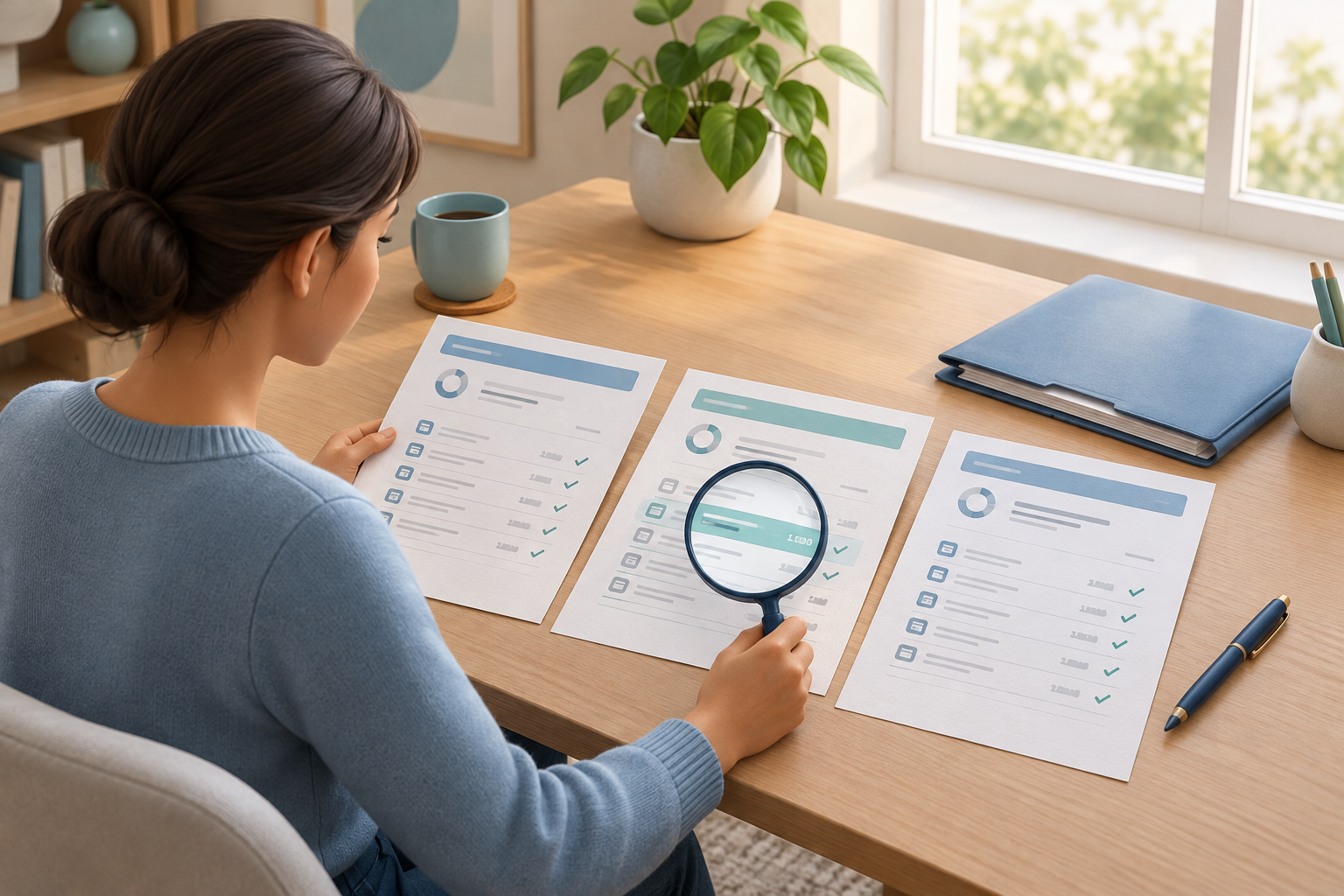
Review all three reports. A lender or other information provider may report to one, two, or all three agencies, so an entry on one report may not appear on the others. Save or print each report securely so you can compare the entries with your own records. If you are preparing for a credit application, reviewing them ahead of time gives you time to investigate possible inaccuracies.
Review each credit report for specific inaccuracies
Use the same checklist for each report, and verify questionable details before deciding that they are wrong.
Compare entries with records you already have, such as account statements, payment confirmations, and correspondence. A name or address you do not recognize may warrant a closer look, but it is not proof by itself that an account is fraudulent or that the report is inaccurate.
The Consumer Financial Protection Bureau identifies several common errors to check for, including mixed-up identity details, accounts that are not yours, incorrect account status or payment history, duplicate debts, and inaccurate balances or credit limits.
- Identity details: Check whether names, addresses, or other identifying information appear to be mixed with someone else’s.
- Account ownership: Look for accounts or debts you do not recognize. Compare the creditor name and account details with your records before disputing.
- Payment history and account status: Compare reported late payments and open or closed status with statements, payment confirmations, and account history.
- Balances and credit limits: Check whether the reported amount owed or limit conflicts with a dated statement. Consider the statement date, since a report may not reflect a recent payment immediately.
- Duplicate entries: If a debt appears more than once, compare the creditor, account details, and dates before concluding that the entries refer to the same obligation.
| What to check | Possible issue | Records to compare |
|---|---|---|
| Account ownership | An account does not appear to be yours | Statements, creditor correspondence, and your account records |
| Payment details | A payment is marked late or the account status is wrong | Payment confirmations, billing statements, and account history |
| Balance or limit | The reported figure differs from a relevant account record | A dated statement or other document showing the amount |
| Duplicate listing | The same debt may appear more than once | Creditor names, account details, and dates for each entry |
Separate an actual error from an accurate negative item
The central question is whether the information is incorrect, not whether it is unfavorable.
A late payment, collection, or other negative entry can be upsetting to see. But if the information is current and accurate, disputing it is not a way to have it removed. The CFPB distinguishes an inaccuracy from accurate negative information and warns consumers about companies that promise to remove information that is accurate and current.
For example, if your records show that you paid on time but a report says the payment was late, identify the payment and provide supporting documentation. If the payment was late and the entry reflects that correctly, it is not the same kind of dispute. If you are unsure what an entry means, ask the company that supplied it to explain it and compare the response with your records.
Prepare a clear, documented dispute
A focused explanation helps identify the exact item you are challenging and the evidence behind your request.
Before submitting a dispute, note which report contains the item, how the account or entry is identified, and exactly what detail you believe is wrong. State what the report says, what you believe is accurate, and what correction you are requesting. For instance: “The report lists a late payment for [month]. My payment confirmation shows the payment was made on [date]. Please investigate and correct the payment history if it is inaccurate.”
Include copies—not originals—of documents that support your explanation. Depending on the issue, useful records might include a dated statement, payment confirmation, or relevant correspondence. Follow the recipient’s current instructions about submission methods and identifying information. Keep a full copy of what you submit and a record of when and how you sent it.
- Identify the report and specific account or entry.
- Describe the inaccuracy plainly, including relevant dates or amounts.
- State the correction you are requesting.
- Include copies of relevant supporting records, not originals.
- Save your submission and its confirmation or other delivery record.
Send the dispute to the relevant companies
Contact both the company maintaining the report and the business that supplied the information.
The CFPB advises disputing an error with the credit reporting company and with the company that provided the information, such as a lender or account provider. The credit reporting company maintains the report; the information provider is the business that furnished the account details. Contacting both addresses the report and the information at its source.
Use each company’s current official dispute instructions rather than relying on an old address or a contact detail from an unverified message. If you challenge the same entry with both, keep your explanations consistent and save separate copies of each submission. For an unfamiliar account, verify the company through an independently found official channel before sharing sensitive information. An unfamiliar item is a reason to investigate, not proof by itself of identity theft.
Track the investigation and check what changed
A simple timeline makes it easier to follow responses and confirm whether the report was updated.
Record the date you submitted each dispute, the company that received it, and any confirmation or reference number. Keep letters, emails, upload confirmations, and later notices together. When a response arrives, compare its explanation with the original report and the specific correction you requested.
The CFPB says an investigation generally takes 30 days, with some cases allowing up to 45 days. Treat this as a general timeframe, not a guaranteed resolution date. After receiving the result, check the relevant report to see whether the disputed item changed as described.
- Log the submission date, recipient, and reference number.
- Save the investigation response and any explanation of the result.
- Recheck the report to see whether the entry was updated.
- If the result does not address the issue, review the response and the company’s current instructions before following up.
If the error remains, choose a careful next step
Use the investigation result to identify what is still unresolved instead of resubmitting a broad, unsupported complaint.
Compare the investigation result with the evidence you provided. Note what remains unresolved, gather relevant records you did not include, and follow the companies’ current instructions for further contact. You can ask the company what options are available for adding a statement to your file, and you can check the CFPB’s official complaint process if you believe the issue has not been handled appropriately. These options do not guarantee a particular outcome.
If an unfamiliar account raises a genuine concern about identity theft, contact the named institution through a channel you find independently. If you suspect identity theft, use IdentityTheft.gov for the appropriate reporting and recovery guidance. Do not assume that one unfamiliar entry proves identity theft, and do not pay a company that guarantees removal of accurate information. Keep your records organized and distinguish confirmed facts from suspicions.
Frequently asked questions
Does checking my own credit report lower my credit score?
No. AnnualCreditReport.com says that checking your own report through the site does not affect your credit scores.
How often can I get my free credit reports?
AnnualCreditReport.com says consumers can access free online reports weekly from each of the three nationwide credit reporting agencies. Review each report separately.
Should I dispute an accurate late payment?
A dispute is for information you believe is inaccurate; it is not a method for removing a negative entry that is current and accurate. If you think the payment history is wrong, identify the specific entry and provide records that support your explanation.
How long does a credit report dispute take?
The CFPB says an investigation generally takes 30 days, with some cases allowing up to 45 days. This is a general timeframe, not a guaranteed resolution date.
Do I dispute an error with the credit reporting company or the creditor?
The CFPB advises contacting both the credit reporting company and the company that supplied the information. Follow each company’s current official instructions and keep copies of your submissions.
Sources & further reading
Explore the original sources behind this article. Our editorial perspective is separate from the organizations we reference.
- [S1] AnnualCreditReport.com | FAQsqa.annualcreditreport.com
- [S2] What are common credit report errors that I should look for on my credit report? | Consumer Financial Protection Bureauconsumerfinance.gov
- [S3] How do I dispute an error on my credit report? | Consumer Financial Protection Bureauconsumerfinance.gov
- [S4] Is it possible to remove accurate but negative information from my credit report? | Consumer Financial Protection Bureauconsumerfinance.gov
- [S5] How long does it take to repair an error on a credit report? | Consumer Financial Protection Bureauconsumerfinance.gov