Getting Ready for 2027 Tax Filing: A Simple System for Organizing Your Records
Set up a secure tax folder for tax year 2026, sort records by purpose, and track missing documents before preparing your 2027 federal return.

Start a tax-record folder before filing season
A few broad categories can make records easier to find and outstanding questions easier to spot.
For a 2027 federal income tax return covering tax year 2026, start with one secure paper folder, digital folder, or a combination. Use it to gather records from employers, financial institutions, and other payers before you prepare the return. You do not need to know every form number in advance: begin with a place to put documents and a short list of what you are expecting.
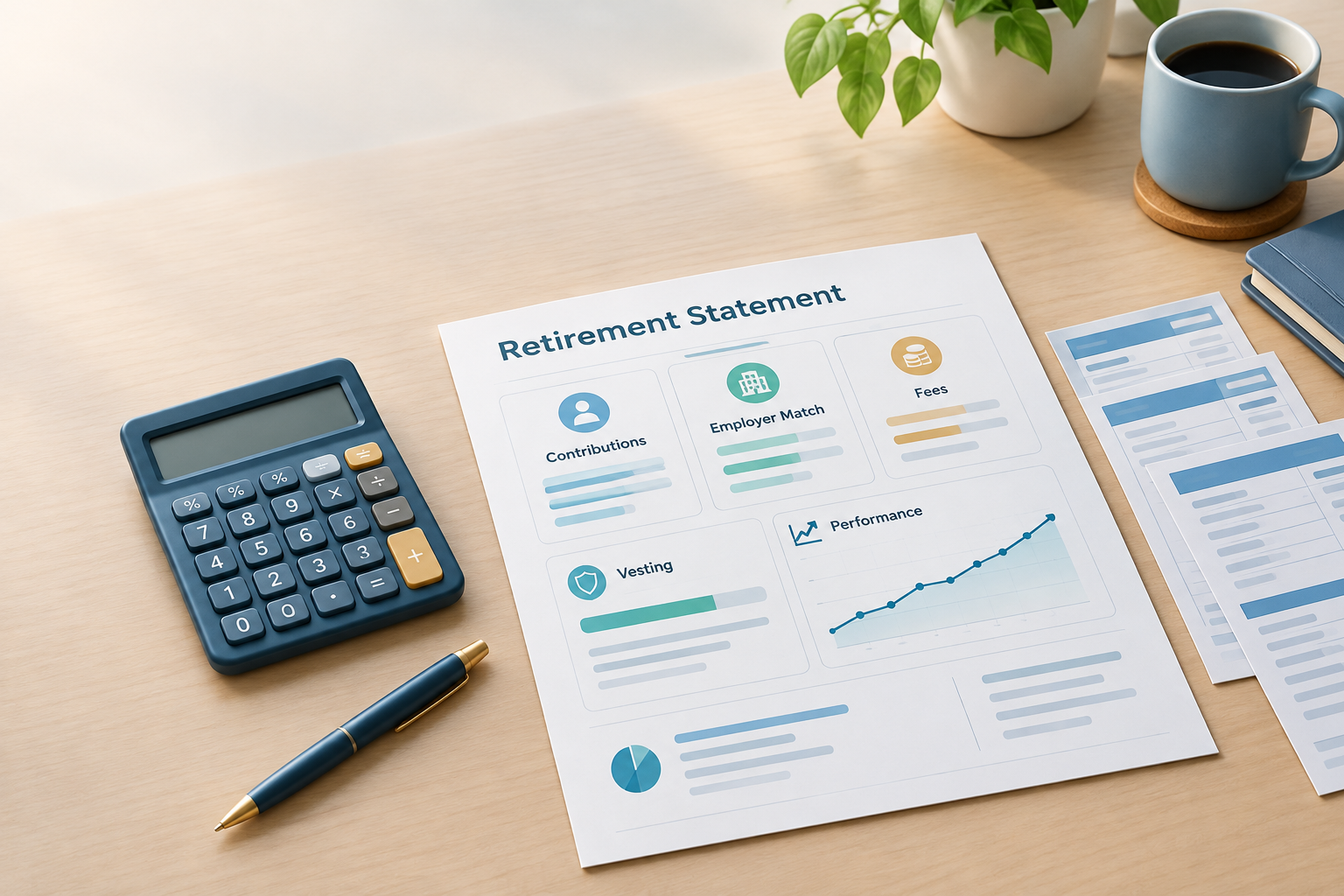
The IRS issued an October 23, 2026 reminder encouraging taxpayers to keep important records together in a simple paper or electronic system. Its examples include W-2s, 1099s, digital-asset transaction records, prior returns, IRS correspondence, and records that support tax benefits. This is a seasonal reminder about organization, not evidence of a new tax rule.
The folder plan below is a suggested method, not a structure the IRS requires. IRS guidance says taxpayers do not have to keep records in a particular format. What matters is that records help support an accurate return and can explain the information reported.
Choose a setup you can maintain. For paper, use a labeled folder or envelope stored somewhere private. For digital files, make a folder with a clear name, such as “2026 tax records for 2027 filing.” If you use both, decide which copy is your working set and keep the other reasonably current.
- Label the folder for the tax year covered: 2026.
- Limit access to people who need it; tax records can contain sensitive personal and financial information.
- If you share documents with a preparer, use a channel you have verified rather than an unexpected message link.
Organize tax records by purpose, not form number
Labels based on what a record explains work even when an unfamiliar document arrives.
Start with a handful of categories that describe why you might need a record. You can add a folder later if one category becomes crowded. If you are unsure where a document belongs, put it in a temporary “review” section and add a note rather than leaving it loose or making a guess.
| Folder or label | Examples | Useful check |
|---|---|---|
| Income | W-2s, 1099s, and other records showing income or payments | Note the employer or payer and whether you expect another document from them. |
| Supporting records | Documents that explain amounts or may support an entry or tax benefit | Add a short note about the item, activity, or amount each record relates to. |
| Prior returns and IRS correspondence | A copy of a prior return and letters or notices from the IRS | Keep correspondence together and record any response or action still needed. |
| Transactions and property | Digital-asset transaction records or records that explain property information | Keep enough context to identify the activity or item the record concerns. |
| To follow up | Expected documents, unclear entries, or records you requested but have not received | Write down the source, what you are waiting for, and your next step. |
Save documents as they arrive
A small filing habit can keep mail, email, and payer portals from turning into separate systems.
When a document arrives, save or file it in the relevant category. Add the tax year and source if they are not obvious. A filename such as “2026 — employer name — income document” can distinguish similar files when you review them later. Do not alter an original document to add explanations; keep your notes separately.
Maintain a simple index on paper or in a private note. For each known employer, financial institution, or other payer, list the document you expect, its status, and any next step. Mark it “expected,” “received,” or “follow up.” This is particularly useful if you changed jobs or received records from several sources during the year.
If two records seem to describe the same payment, do not discard one just because the amounts look alike. Keep both and note the apparent overlap for review. Likewise, if a document is unfamiliar, record where it came from and what you need to clarify rather than assuming it is irrelevant.
Records can help identify income, track expenses, support entries on a return, and document property basis. Keep evidence with the item it explains where practical. The documents relevant to you depend on your circumstances; organizing a record does not establish whether a particular expense or tax benefit applies.
The IRS’s October reminder includes digital-asset transaction records among the examples taxpayers may want to gather. If that applies to you, preserve records that help describe the transactions and related activity. A foldering system can help you collect information, but it does not resolve how a transaction should be reported.
Track missing documents without guessing
Treat an absent document as a follow-up item, not proof that your folder is complete.
Before filing, compare your index with the employers, banks, financial institutions, and other payers you know you dealt with during 2026. For each expected document, note whether it arrived and where you checked. If you contact a payer, record when you did so and any instructions they provided.
An IRS online account may show available information-return documents, including some W-2s and 1099s. It can be useful as one cross-check, but do not treat it as a complete document checklist. The IRS advises taxpayers to gather their tax documents before filing, and the account may not include every record relevant to your return.
If a document is missing, check the payer’s own portal or contact the payer using information you can verify independently. Do not assume every form arrives on the same schedule. If information conflicts or a document remains unavailable, keep the question visible and consult current IRS guidance or a qualified tax professional when your circumstances warrant it.
- Write down the payer or source and the document you expect.
- Check the payer’s official account or independently verified contact channel.
- Record what you have done and what remains unresolved.
- Do not assume that the IRS online account contains every document you need.
Protect records and review what to keep
A useful filing system should also account for privacy and the fact that retention needs vary.
Keep paper records somewhere private and use appropriate security for the account or device holding digital files. Before sending documents to a tax preparer, confirm the sharing method with them through a channel you already trust. These practical steps reduce avoidable exposure, but no storage method can eliminate every risk.
Avoid applying one retention period to every record. IRS guidance explains that how long to keep records depends on the circumstances. Check the current IRS retention guidance for your situation before discarding tax documents. If a record relates to property or an unresolved tax matter, do not rely on a general rule of thumb.
Before filing, review the folder for gaps, duplicate-looking records, and items that need an explanation. Keep original documents and related notes together while you resolve open questions. State tax requirements may differ from federal requirements, so check the relevant state guidance if you are also preparing a state return.
Use a short pre-filing check
Review the folder against your index so outstanding questions are visible before you prepare the return.
When you are ready to prepare your 2027 federal return for tax year 2026, you do not need to collect every paper you have ever received. Focus on whether the records relevant to your return are together, whether expected documents have arrived, and whether any unresolved item is clearly marked for follow-up.
- Confirm that the folder is labeled for tax year 2026.
- Review each known employer, payer, or financial institution and mark expected documents as received or still missing.
- Keep supporting records with notes explaining the entry or activity they relate to.
- Check your IRS online account for available information returns, but do not treat it as a complete document list.
- Set aside unclear or conflicting items for follow-up instead of guessing.
- Check current IRS retention guidance before discarding records, and review state guidance separately if needed.
Frequently asked questions
What should I put in a tax folder for 2027 filing?
For a federal return covering tax year 2026, start with income records, documents that support return entries or tax benefits, prior returns, IRS correspondence, relevant transaction or property records, and a list of items you are still waiting for. The documents you need depend on your circumstances.
Does the IRS require a particular way to organize tax records?
The IRS guidance cited here does not require a particular recordkeeping format. A paper folder, electronic system, or combination can work if the records support an accurate return and are accessible when needed.
Can I use my IRS online account instead of keeping documents?
Do not assume it replaces your records. The account may show available information-return documents, including some W-2s and 1099s, but may not include everything relevant to your return. Gather and review records from the sources that apply to you.
How long should I keep tax records?
There is no single retention period that applies to every record and situation. Review the IRS’s current “How long should I keep records?” guidance for your circumstances before discarding documents.
What should I do if a tax document has not arrived?
Add it to a follow-up list with the payer’s name, the document you expect, and the date you checked. Use contact information you can verify independently, and do not assume an incomplete IRS online account proves that no other document is needed.
Sources & further reading
Explore the original sources behind this article. Our editorial perspective is separate from the organizations we reference.
- [S1] IRS reminder: Year-round tax planning can make filing easier | Internal Revenue Serviceirs.gov
- [S2] Publication 17 (2025), Your Federal Income Tax | Internal Revenue Serviceirs.gov
- [S3] Get ready to file your taxes | Internal Revenue Serviceirs.gov
- [S4] How long should I keep records? | Internal Revenue Serviceirs.gov