Google’s AI Search Links Changed: How to Check the Sources Behind an Answer
Learn how to open links in Google AI Overviews and AI Mode, check whether a source supports a specific claim, and compare important details with other results.
What changed in Google’s AI Search links
The October 2026 announcement describes more prominent links and a test—not a uniform new layout for every search.
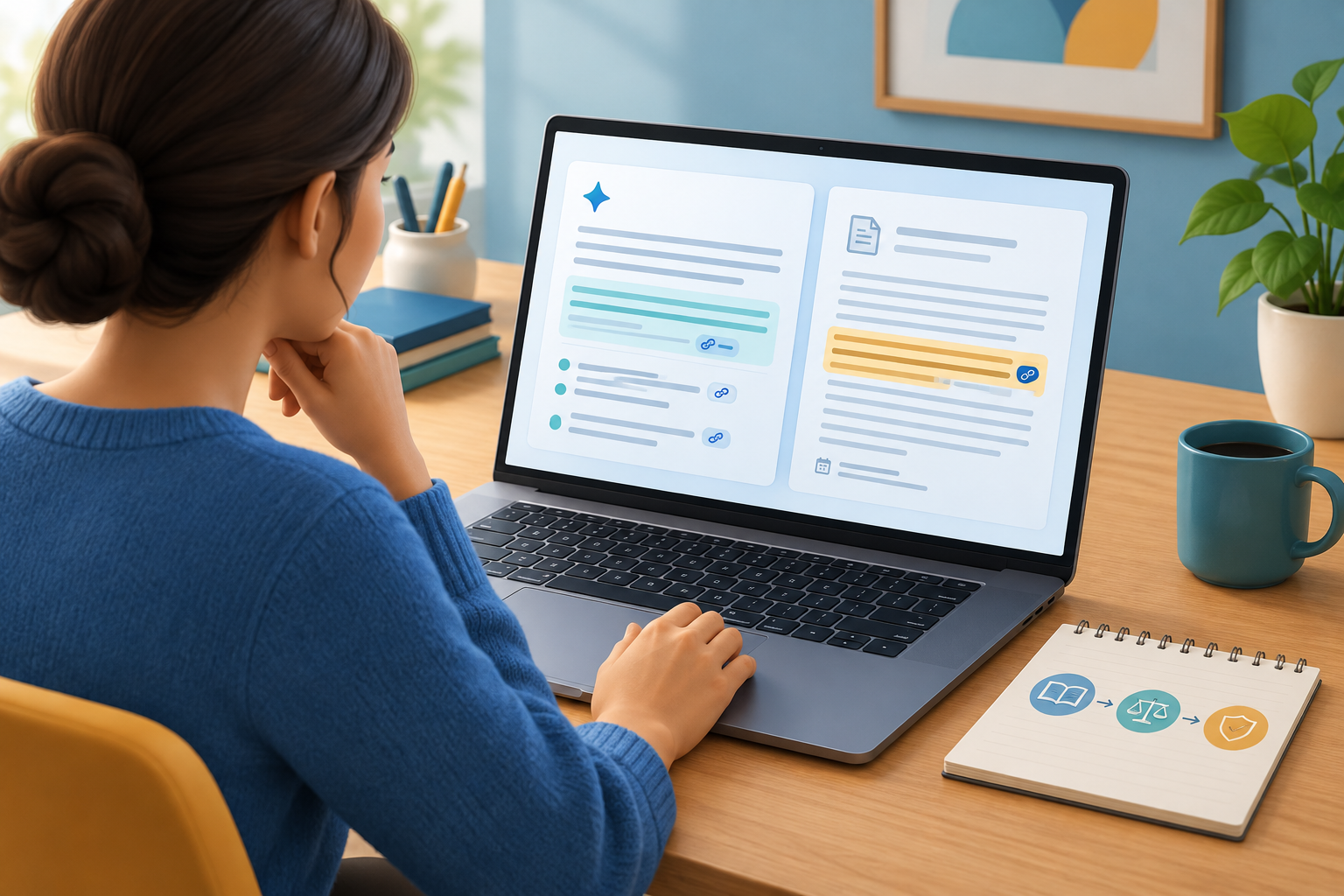
To check an answer in Google AI Overviews or AI Mode, open a relevant link, locate the passage that addresses the claim, and compare important details with another reliable source. The practical task is the same even when the layout changes: verify the evidence for the particular statement you care about.
On October 15, 2026, Google announced that inline links would appear higher in AI Overviews and AI Mode more often. It also said it would test a dedicated section for official websites on some searches, alongside changes intended to make some article links more visible. The official-sites section is a test, not a feature readers should expect to see on every search.
Google says the links in AI Overviews and AI Mode can vary, and eligibility to appear as a supporting link does not guarantee that a page will be shown. The announcement describes link presentation, not a guarantee that AI-generated answers are accurate or that each statement will have a matching citation.
Where to look for a useful link
Choose a link connected to the exact detail you want to confirm, then check the destination before relying on it.
Scan the answer for inline links or other supporting links near the text. Depending on the search, you may also see an official-sites section or article links. Treat these as places to investigate, not as a complete list of evidence or a guarantee that a particular page answers your question.
Before reading deeply, check that the page is about the same subject and context as the claim. If an answer says a service changed its cancellation policy this month, a general page about that service may not establish the current policy. Look for information that specifically addresses cancellations, the relevant customers, and the effective date.
If no visible link appears relevant, search for the claim’s key terms, the named organization, or the date in ordinary Search results. Not seeing a link does not show that a claim is false; seeing one does not establish that it is true.
A practical routine for checking a claim
Break complex sentences into smaller questions so you can see exactly which details the source does—and does not—support.
An AI-generated sentence may combine a date, price, eligibility rule, and exception. A linked page might support one detail but not the rest. Check each detail that matters to your decision rather than treating the entire answer as one fact.
- Choose one claim. If it contains multiple facts, separate them into individual questions.
- Open the closest relevant link and check the page title, publisher, subject, and destination.
- Find the passage that addresses the claim. Ask whether it directly supports the detail or merely mentions the same topic.
- Check the page’s date and scope. Note the location, audience, conditions, and exceptions it covers.
- For important information, compare it with another reliable source or the organization responsible for the relevant policy, guidance, or data.
- If the evidence remains unclear or does not support the claim, treat it as unverified and look for a more direct source.
How to judge whether the source fits
A source’s usefulness depends on its evidence and its fit for your question—not simply on its position beside an AI answer.
The best source depends on the claim. A current page from an organization may be the clearest place to check that organization’s own service terms. An independent specialist source may be more useful for context or analysis. In both cases, look for evidence that addresses the specific detail.
Watch for mismatches. A page might describe a general rule while the AI answer states an exception, or cover one region when your question concerns another. A proposal does not establish that a change took effect, and one example does not by itself establish a general rule. Keep your conclusion within what the source actually says.
- Relevance: Does the page address the exact detail?
- Currency: Is its date suitable for a time-sensitive claim?
- Scope: Do the location, audience, and conditions match?
- Support: Can you identify a passage that substantiates the statement?
| What you see | What it may help you check | What it does not establish |
|---|---|---|
| Inline or supporting link | A page that may provide context or evidence for a nearby claim | That every detail in the answer is supported or correct |
| Official-sites section, if shown | Information an organization publishes about its own services or statements | That the section appears for every search or answers your exact question |
| Article link or carousel | Further reading and perspectives on the subject | That the articles are independent, current, or in agreement |
When to leave the AI summary
If the linked pages do not settle the question, switch to other Search results or consult a suitable primary source.
Google’s Search Help warns that AI responses can make mistakes and advises checking important information in more than one place, including supporting links and other Search results. A second check is especially useful for information that is time-sensitive, unusually specific, or important to a decision.
For a policy, procedure, or set of rules, look for the current information from the organization responsible for it. Google Search Help describes the Web filter as a way to see text-based links without features such as AI Overviews. Its placement and availability may depend on the Search experience.
For consequential questions involving health, law, money, or safety, do not rely on an AI summary or a single linked page. Check authoritative sources suited to the subject and, where appropriate, consult a qualified professional. This is a general verification approach, not individualized advice.
What a visible link does—and does not—tell you
A citation gives you a place to investigate; the page itself determines what the evidence supports.
A visible link does not confirm every detail in a multi-part answer, show that the linked source endorses the summary, or guarantee that the source contains the evidence you need. It may be too general, out of date, or about a different location or situation. Google also says links can vary and that an eligible page is not guaranteed to appear.
After checking, state only what the evidence supports. If a source confirms a date but not an eligibility rule, keep those conclusions separate. If you cannot find direct support, continue searching or leave the claim unresolved rather than filling the gap with an assumption.
Frequently asked questions
Do links in Google AI Overviews prove that the answer is correct?
No. A link can help you investigate, but it does not guarantee that the source supports every detail or that the answer is accurate. Open it and find the passage relevant to the claim.
Why don’t I see an official-sites section?
Google described a test of a dedicated official-websites section for some searches. It is not guaranteed to appear for every query or user, and AI Search layouts can vary.
What if a linked page is about the topic but does not support the exact claim?
Treat the claim as unverified. Search for its specific wording or details, find a source that addresses them directly, and compare another reliable source if the information matters.
Can I see regular web links instead of an AI Overview?
Google Search Help describes the Web filter as showing text-based links without features such as AI Overviews. Look for it in Search options when available; its placement and availability can vary.
Sources & further reading
Explore the original sources behind this article. Our editorial perspective is separate from the organizations we reference.
- [S1] AI Mode and AI Overviews updates to explore the webblog.google
- [S2] Find information in faster & easier ways with AI Overviews in Google Search - Computer - Google Search Helpsupport.google.com
- [S3] AI Features and Your Website | Google Search Central | Documentation | Google for Developersdevelopers.google.com