Got a Text About a Delivery Fee? How to Check It Safely
A delivery text may be legitimate or a scam. Verify the shipment through the carrier or retailer’s official channel, using order details you already have—not the message’s link.
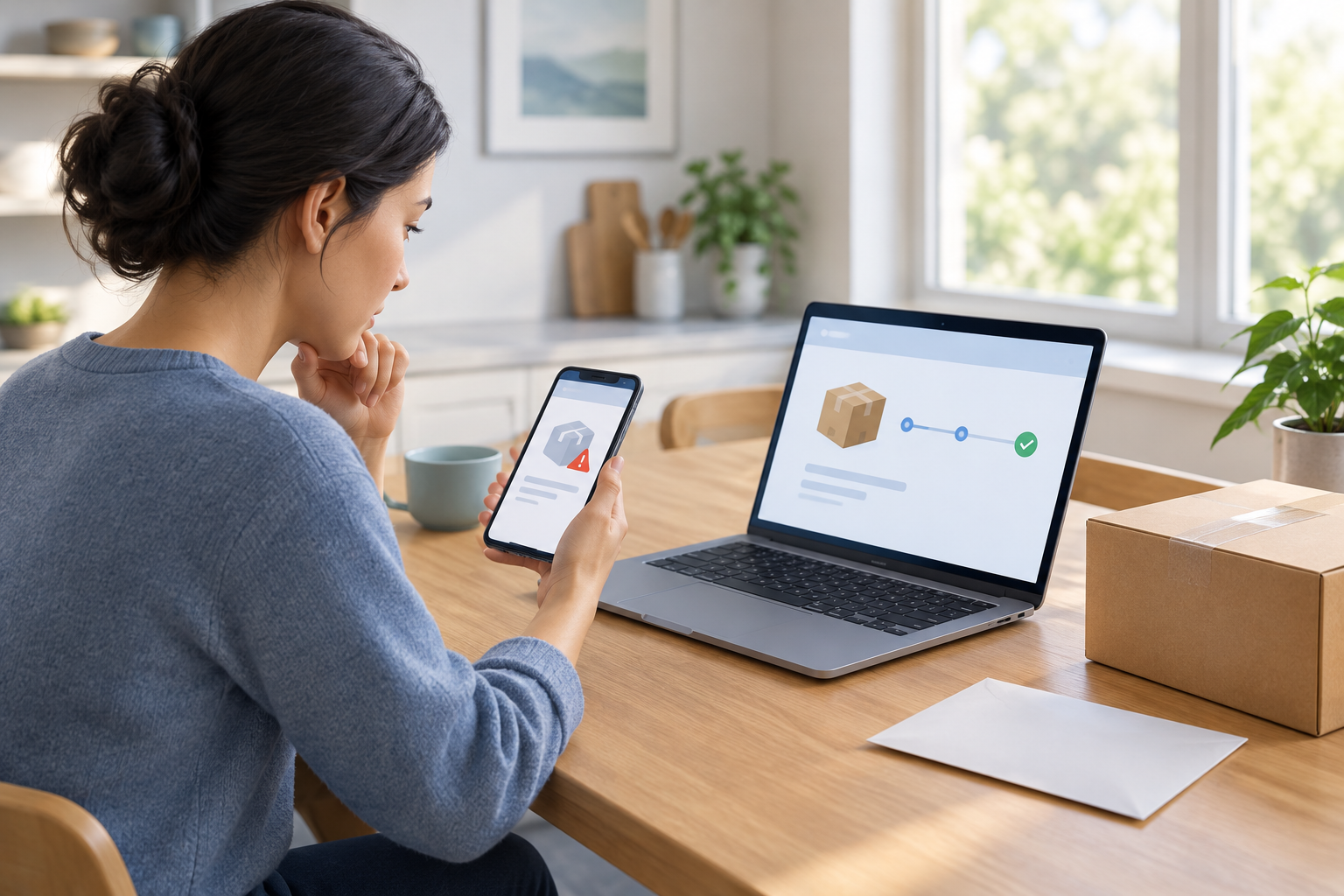
A delivery-fee text is a reason to verify, not to click
A real delivery issue is possible, but the message itself cannot establish that its link or payment request is genuine.
If a text says your package is delayed, your address is incomplete, or a redelivery fee is due, don’t use the link in the message to investigate. Instead, check the shipment through a carrier or retailer channel you access independently. That lets you look for a real delivery issue without treating the texter’s instructions as trustworthy.
The Federal Trade Commission advises people not to reply to unexpected texts or click their links. To check a possibly genuine message, it recommends contacting the company through a website or phone number you already know is legitimate. A familiar carrier name, logo, or tracking-like number in a text is not enough on its own to verify the sender.
Notice the claim, then pause before acting
Common delivery scenarios can help you recognize when to stop and verify, without assuming every notification is fraudulent.
Unexpected texts may claim that an address needs correction, a package is waiting, or a payment is needed to release or redeliver an item. USPS identifies address-problem messages and claims that a package is waiting at a Post Office as common text-scam lures. The FTC also describes fake delivery-problem texts that use links to ask for money or personal information.
A payment demand, a request for personal details, or pressure to act quickly should prompt you to verify independently. These features do not prove that a particular text is a scam, and a legitimate delivery update is possible. They do mean you should avoid acting through the message until you have checked the shipment another way.
- The text asks you to pay through a link.
- It requests personal or payment information.
- It says you must act immediately to avoid losing the package.
- You cannot match the claim to an order or shipment you recognize.
Open the carrier’s channel independently
Choose how to reach the carrier before you check the message’s claim.
Do not tap the text’s link, call a number included in it, or reply to ask whether it is real. Open the carrier’s official app directly, type a web address you already know is correct, or use a trusted bookmark. You can also start with the retailer’s official account or an earlier order confirmation.
If you need a phone number, use one from a source you already trust, such as the carrier’s official app or website—not the unexpected text. Search results can include unfamiliar pages or ads, so check that a contact route belongs to the company before relying on it. The FTC’s central advice is to contact a company using a number or website you already know is legitimate.
Why a convincing appearance is not enough
A message can use a company’s name and resemble a routine alert. That appearance does not confirm who sent it or where its link leads. Keeping the verification step separate—by opening the carrier or retailer yourself—helps you avoid relying on details supplied only by the sender.
Check the shipment against your order
Use the original order record to identify the parcel, then compare its status with the text’s claim.
Find the order confirmation, shipping email, or order record in the retailer’s account. Match the item and shipping details to the text before assuming they refer to the same package. If the order record includes tracking information, use that information in the carrier’s app or independently accessed website.
If the official tracking page shows a delivery problem, follow the instructions there or contact the carrier through its verified customer-service channel. If the shipment does not appear or the information is unclear, check with the retailer or carrier through a channel you reached independently. Carrier procedures differ, so use the relevant company’s current instructions rather than assuming one carrier’s process applies to all.
- Open the retailer’s account or find the original shipping confirmation.
- Match the order and tracking details to the package mentioned in the text.
- Open the carrier’s official app or website yourself.
- Compare the official tracking status with the message’s claim.
- If anything remains unclear, contact the retailer or carrier through a known official channel.
Check the fee claim for the specific carrier
The USPS redelivery-fee statement is specific to USPS; it does not establish other carriers’ policies.
USPS says it does not charge a redelivery fee. It also lists delivery-address problems and claims that a package is waiting at a Post Office among common text-scam lures. If a message claiming to be from USPS asks you to pay a redelivery fee through its link, don’t pay through the text. Verify the package through an independently accessed USPS channel.
For another carrier, check its current fee information through its official app, website, or verified customer-service channel. The USPS policy does not tell you what another carrier may charge in a particular situation, and a fee request in a text is not proof that the charge is genuine.
| What the text says | Safer way to check |
|---|---|
| A USPS redelivery fee is due | Do not pay through the text. USPS says it does not charge a redelivery fee; check the shipment through USPS independently. |
| Another carrier requires a fee | Check that carrier’s current policy through its official app, website, or verified customer-service channel. |
| An address or delivery detail needs attention | Check the order and tracking status through a retailer or carrier account you access yourself. |
Report an unwanted text, then delete it
Use a reporting route that does not require engaging with the sender.
If the text seems suspicious or unwanted, use your phone’s built-in option to report it as junk or spam. The FTC also recommends forwarding unwanted texts to 7726 (SPAM). After reporting, you can delete the message. Do not reply, even to challenge the claim or ask the sender to stop.
Some carriers may offer their own reporting route. If you want to use it, find the instructions through that carrier’s official app or website. Do not use contact details supplied in the suspicious text. If you still need to determine whether a delivery notice is genuine, check the shipment through the retailer or carrier channel you accessed independently.
Frequently asked questions
Should I click a delivery text link to check the tracking number?
No. Open the carrier’s official app or website yourself and use tracking details from your order confirmation or retailer account. An unexpected text’s link is not a safe verification route.
Does USPS charge a redelivery fee?
USPS says it does not charge a redelivery fee. If a text claiming to be from USPS asks for one, do not pay through its link; check the shipment through an independently accessed USPS channel.
What number can I forward a suspicious text to?
The FTC recommends forwarding unwanted texts to 7726 (SPAM). You can also use your phone’s built-in junk or spam reporting option.
Are all package-delay texts scams?
No. A legitimate delivery notification is possible, but the text alone does not confirm that its link, fee request, or contact details are genuine. Verify the shipment through the retailer or carrier’s official channel.
What if the text is from a carrier other than USPS?
Check the shipment and any fee claim through that carrier’s official app, website, or verified customer-service channel. USPS’s redelivery-fee policy applies to USPS, not automatically to other carriers.
Sources & further reading
Explore the original sources behind this article. Our editorial perspective is separate from the organizations we reference.
- [S1] Is that unexpected text a scam? | Consumer Adviceconsumer.ftc.gov
- [S2] faq.usps.comfaq.usps.com