Google Universal Cart: Organize Items Across Stores Before You Buy
Google’s Universal Cart is rolling out in the U.S. across Search and Gemini. Learn what it can organize, what its alerts mean, and what to check before checkout.
What Google Universal Cart is—and where it’s rolling out
Think of it as a shared place to gather shopping options, not a guarantee that every store or product is available.
Google Universal Cart is a shopping feature announced on October 15, 2026. Google says it is rolling out in the United States across Google Search and the Gemini app. It is designed to let shoppers save products from multiple retailers in one place, then return to those choices instead of trying to remember which store had each item.
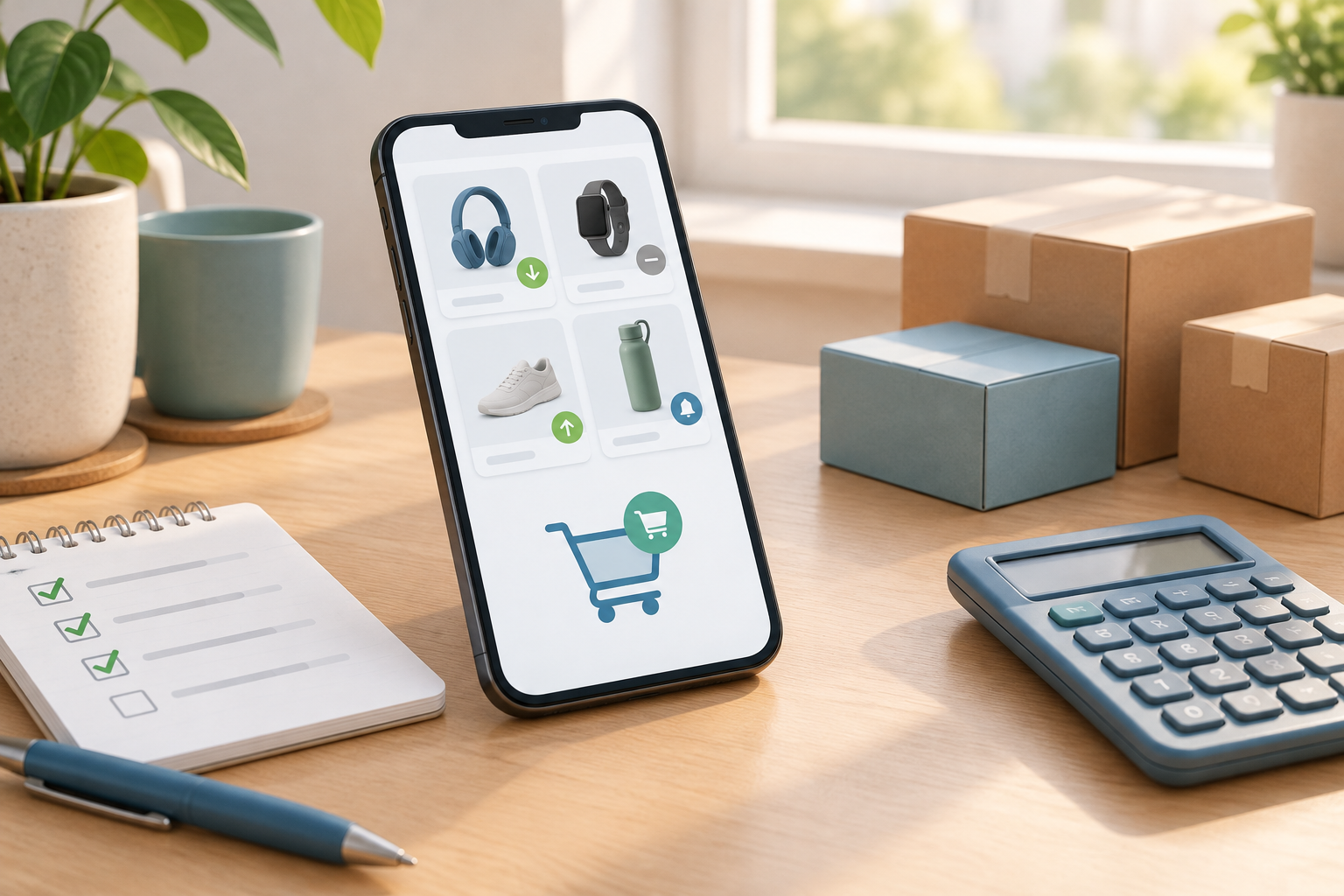
For example, if you are comparing a desk lamp from one retailer with a kitchen appliance from another, a shared cart could help keep both options together while you decide. Google also says the feature can send notifications about price drops or restocks.
The word “rolling out” matters: Google’s announcement does not establish that the feature, every product, or every checkout option is immediately available to every shopper. Check your own Search or Gemini app to see what is offered. Treat the cart as an organizing aid, and use the retailer’s current product page to confirm details before placing an order.
- Use it to collect options across stores while you compare.
- Expect availability and checkout choices to depend on the product and participating retailer.
- Recheck the retailer’s listing before buying; saved information is not a substitute for the current offer.
How to use Universal Cart as a multi-store shopping list
A simple review routine can turn a saved list into a more useful comparison without rushing into checkout.
Google’s announcement describes the cart’s purpose and features, but does not provide a universal, step-by-step interface that applies to every user. The exact controls may vary as the rollout progresses. If Universal Cart appears in your Search or Gemini experience, follow the prompts there to save eligible products and return to the cart to review them.
Before saving an item, note why you are considering it: the size, model, color, or other requirement that matters. When you revisit the list, compare like with like. A lower-priced product may be a different model, size, bundle, or condition, so a quick glance at the name alone may not be enough.
You can also use the cart to separate “ready to buy” options from items you are still researching. If you save several similar products, add a note outside the cart—such as in a personal shopping list—about what distinguishes them. That makes it easier to spot a mismatch when you return later.
- Save products you genuinely want to compare, not every result you open.
- Record the model or specifications that matter to you.
- Revisit the listing and cart before checkout to confirm the item is still the one you intended.
- Find the product in Search or Gemini and check whether saving it to Universal Cart is available.
- Collect comparable options, noting important differences such as model, dimensions, or included accessories.
- Return to the cart when you are ready to compare, then open the retailer’s current listing for any item you may buy.
What price-drop and restock alerts can—and can’t—tell you
Notifications are useful reminders to reassess an item, but the purchase decision still depends on current details and your priorities.
Google says Universal Cart can notify shoppers about price drops or restocks. A price alert can prompt you to revisit an item, while a restock alert can let you know that an unavailable product may be offered again. Neither message, by itself, tells you whether the product is the best fit or the best deal for your circumstances.
An alert does not guarantee the lowest available price, a particular savings amount, or that the price will stay at that level. Check the item’s current price and the full cost at the retailer before deciding. If the alert concerns a restock, confirm that the exact version you want is available—not merely a similar product or a different seller’s listing.
Keep Universal Cart notifications separate from Google’s price-insights feature. Google Help describes price insights as information about whether a price is low, typical, or high based on recent pricing information, and explicitly says that feature does not predict future prices. Price insights are not a promise about what will happen next, nor should they be assumed to be the same feature as Universal Cart’s price-drop alert.
- Treat an alert as a reason to check, not an instruction to buy.
- Compare the current total with other suitable offers and your budget.
- For a restock, verify the exact product, seller, and availability on the listing.
| Feature | What the source says it does | What not to assume |
|---|---|---|
| Universal Cart alerts | Can notify shoppers about price drops or restocks | That an alert guarantees the best price or predicts future prices |
| Google price insights | Shows whether a price is low, typical, or high based on recent pricing information | That it predicts whether a price will rise or fall |
A practical checklist before checkout
The most useful comparison is the final offer for the exact product from the seller you intend to use.
A saved cart can make comparison easier, but the purchase page is where you should confirm what you are actually agreeing to buy. The Federal Trade Commission advises shoppers to compare total costs, check sellers, read product and return details, and keep purchase records. Apply those checks to each retailer rather than assuming that items gathered in one cart have identical terms.
- Exact item: Confirm the model, size, color, condition, and what is included. Check that the product description matches your needs.
- Seller: Identify the merchant responsible for the listing. If a retailer’s site hosts offers from other sellers, check who will fulfill and sell the specific item.
- Total cost: Add the listed price, shipping, fees, and applicable taxes. Compare totals on the retailer’s final checkout screen, not just the price shown in a shopping result.
- Delivery: Check the estimated arrival window, shipping method, and any delivery conditions that matter to you.
- Returns: Read the return window, any costs or restrictions, and how the return must be started. Do not assume different retailers share one policy.
- Records: Save the order confirmation, receipt, and relevant listing or policy details so you can refer to them if a question arises.
Who handles the order if something goes wrong?
Google describes more than one checkout path, but says the merchant remains responsible for the sale and customer support.
Google says shoppers may be able to check out with Google Pay at participating stores or continue to the retailer’s site. Which option appears depends on participation and availability; do not assume every saved item can be purchased through Google Pay.
Google also says the merchant remains the seller of record and provides the order confirmation and customer support. In practical terms, identify the merchant before you place an order and keep its confirmation. If you need to ask about delivery, a return, or the product itself, use the merchant’s stated support and returns process.
A familiar checkout option does not remove the need to read the retailer’s terms. Before paying, make sure the seller name and order details match what you expect. If you are redirected to a retailer, check that you are on the intended store’s site and review the final price and policies there.
- Check which merchant is selling the item.
- Confirm the final order details on the checkout screen.
- Keep the merchant’s confirmation and follow its support or return process if needed.
Is Universal Cart useful for your shopping?
Its clearest value is keeping options together; careful comparison still belongs to the shopper.
Universal Cart may be useful if you regularly compare products across retailers or want a single place to revisit saved options. Alerts could also help bring an item back to your attention when its price changes or it is restocked. Those are organizational conveniences, not a reason to skip ordinary shopping checks.
If you already keep a reliable list elsewhere, or if the feature is not yet available in your app, you can use the same process without it: record the item and seller, compare the total cost, check delivery and return terms, and keep your order records. Either way, make the final decision from the current retailer listing—not from an alert or an old saved price.
As the U.S. rollout continues, check Search or Gemini directly for availability and options. When you are ready to buy, compare the precise product and final totals, read the merchant’s terms, and choose the checkout path that gives you clear order details.
- Use the cart to organize and revisit possible purchases.
- Verify the live offer and merchant terms before paying.
- Keep a record of the order and confirmation after checkout.
Frequently asked questions
Is Google Universal Cart available to everyone in the U.S.?
Google announced a U.S. rollout across Search and the Gemini app on October 15, 2026. The announcement describes a rollout, not immediate availability for every user or product. Check your own Search or Gemini app.
Can I buy products from different stores in one checkout?
Google says shoppers may check out with Google Pay at participating stores or continue to a retailer’s site. That does not establish that every item or retailer supports one combined checkout. Check the options shown for each product.
Does a Universal Cart price alert mean I found the lowest price?
No. Google describes price-drop notifications, but an alert does not guarantee the lowest available price or predict what a price will do next. Compare the current total for the exact product before buying.
Who should I contact about an order made through Universal Cart?
Google says the merchant remains the seller of record and provides order confirmation and customer support. Keep the confirmation and use the merchant’s support or return process.
What should I check before buying an item saved in the cart?
Confirm the exact item and seller, compare the full cost including shipping, fees, and taxes, review delivery and return terms, and save your order records.
Sources & further reading
Explore the original sources behind this article. Our editorial perspective is separate from the organizations we reference.
- [S1] Google’s new Universal Cart launches today in the U.S.blog.google
- [S2] Online Shopping | Consumer Adviceconsumer.ftc.gov
- [S3] Get price insights - Google Helpsupport.google.com