Your First Public EV Charge: Check Compatibility, Access, and Price Before You Go
Before relying on a public EV charger, confirm it matches your vehicle, check access and live status, review the price, and prepare a way to start and pay.
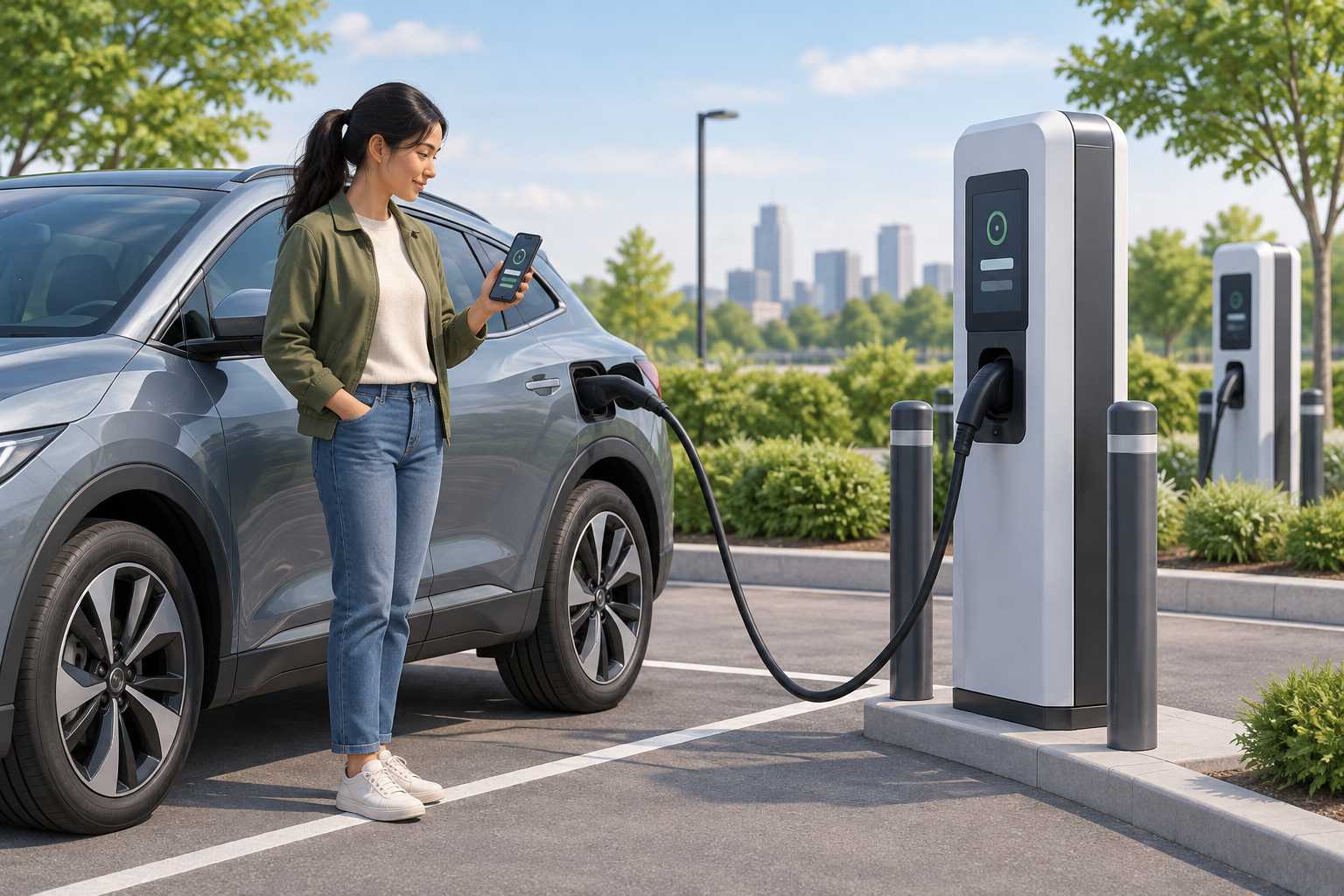
The short answer: check four things before you drive to a public charger
A quick pre-trip check can prevent a detour to a charger your vehicle cannot use or you cannot access.
Before heading to a public EV charger, verify that its charging type and connector work with your vehicle, that the site is open to you and the charger is available, and that you understand the price and how to start and pay. At the station, follow its instructions and confirm charging has begun before walking away.
This guide is for U.S. drivers new to public charging. Station listings, prices, access rules, and start-up procedures can change, so check current details with the charger’s network or site. Your vehicle’s manual and manufacturer guidance take precedence for charging limits and adapters.
Check your vehicle’s charging type and connector
Start with what your car can accept, not just what a charging app labels as fast or convenient.
Public charging commonly includes Level 2 charging and DC fast charging. The charging type and connector both matter: a station’s connector must fit your vehicle’s charge port, and your vehicle must support the type of charging offered. Some plug-in hybrids cannot use DC fast charging, so do not assume that a fast-charging listing is suitable. Check your owner’s manual or vehicle information for your model’s capabilities.
If you are considering an adapter, verify that it is approved for your vehicle and for the specific charging situation. Do not rely on a general online compatibility claim or assume that an adapter makes every charger suitable. Follow the vehicle manufacturer’s guidance and the adapter instructions.
- Look up your vehicle’s supported charging types and port information.
- Compare the connector shown for the station with the connector your car accepts.
- Check whether an approved adapter is required and permitted for that setup.
Find a station that fits your route and access needs
Search tools help narrow the options, but confirm the site details that affect whether you can actually charge.
The U.S. Department of Energy’s Alternative Fueling Station Locator can search by location or route and filter charging stations. Use it to make a shortlist, then check the network’s app or other current station information for the connector, charging type, hours, public-access details, and any site restrictions. The Department of Energy distinguishes a charging location, an individual port, and a connector; these terms are not interchangeable. A port may offer more than one connector type, but can charge only one vehicle at a time.
For example, a station may be in a parking garage or on a business property with separate entry or operating rules. A map result does not establish that every driver can enter, or that the site is open when you arrive. If access or operation is unclear, contact the station or site before relying on it. The Department of Energy also recommends calling ahead when status or availability is uncertain.
- Search around your route, not only near your destination.
- Confirm hours, public access, parking or entry rules, charging type, and connector.
- Check that the listing refers to the port you intend to use, not merely the overall location.
Check live availability and understand the price
A station can be compatible but still be a poor choice if it is occupied, out of service, or priced differently than expected.
Check the current status in the charging network’s app or another station tool shortly before you arrive. Status information can become outdated, so treat it as useful guidance rather than a guarantee. If the station is essential to your trip and its status is uncertain, contact the site or network when possible, and identify another compatible option nearby.
Do not assume public charging has one standard price. Pricing can vary by station, owner, and network arrangement. ChargePoint, for example, says station owners or roaming partners set prices and that charges may be based on energy, time, or fees; its guidance advises checking the applicable price in the payment app or at the station before charging. Those details describe ChargePoint’s guidance, not a universal rule for every network.
Before you start, read the price shown for the specific station and note the billing basis and any disclosed session, idle, or other fees. If you cannot tell how the price is calculated, check the network’s explanation or ask the station rather than guessing. A session’s total can also depend on how much you charge, so a displayed rate alone may not tell you the final amount.
- Check the price for the exact station and charger, not a different location on the same network.
- Look for the billing basis and any fees disclosed before the session starts.
- If the price or fee terms are unclear, pause and verify them before plugging in or authorizing payment.
| Check | What to confirm | Why it matters |
|---|---|---|
| Compatibility | Charging type, connector, vehicle support, and any approved adapter | The charger must match what your car can accept. |
| Access | Hours, public-access status, and site or parking restrictions | A listed charger may not be reachable or open to you. |
| Availability | Current port status, checked close to arrival | A listing may not reflect a newly occupied or unavailable port. |
| Price | Billing basis and fees shown for that station | Pricing varies; the rate may not be the only charge. |
| Start and payment | Accepted session-start and payment methods | Procedures differ among stations and networks. |
Prepare a way to start and pay
Set up the likely payment route before arrival, while keeping in mind that no single method works everywhere.
The station’s network or on-site instructions should tell you how to begin and pay. Depending on the charger, possibilities may include a network app, an activated network card, a phone tap, or another payment method. Availability varies by station, so check the specific charger rather than assuming contactless payment or a particular app will work.
If an app is needed, install it and review its setup before a long drive; check that you can sign in and add an accepted payment method. If you use a network card or phone feature, confirm that it is activated and supported at that station. Keep another payment or station option in mind if practical, especially when the charger is your only planned stop.
ChargePoint documents its own session-start options, including its app, phone tap, or an activated card, and recommends checking that the vehicle is charging. These are ChargePoint-specific instructions, not a promise that other networks work the same way.
At the charger: start the session and confirm it is active
A successful tap or plug-in is not enough; look for confirmation from the car or charger.
When you arrive, compare the connector and charger or port identification with the station details you checked. Park in the marked space, use the charger’s screen or posted instructions, and select the correct charger ID in the app if prompted. Connect the cable as directed; avoid forcing a connector that does not fit.
Complete the required payment or authorization step. Then check the vehicle’s display or charging status and the charger screen or app for an active session. If charging does not begin, review the displayed message and follow the network’s troubleshooting instructions. A connector that is not fully seated, a wrong charger selection, or a session that was not authorized may be among the issues to check, but the station’s instructions and vehicle guidance should direct what to do next.
If the session will not start, do not leave on the assumption that power is flowing. Try the station’s stated support channel or move to your planned backup if appropriate. Never attempt to repair or bypass charging equipment.
- Match the charger or port ID if the app asks you to select one.
- Follow on-screen instructions rather than assuming the steps used at another network apply.
- Confirm active charging on the car, charger, or network display before walking away.
Finish the session and keep a backup option
A good first charging stop includes a clear finish and a plan for what to do if the station is not usable.
End the session using the method shown by the charger or network, then disconnect and stow the cable as instructed. Check for a session record or receipt in the app or payment method you used. Move the vehicle when charging is complete and follow any site rules; do not assume that every station has the same parking or post-session policies.
Before a longer drive, save at least one alternative station that matches your vehicle and route. Check its access and current information too. This does not guarantee that either charger will be available, but it gives you a next option to verify if the first stop is occupied, out of service, or inaccessible.
For your first public charge, a low-pressure practice stop near home can help you learn the relevant app or payment process before you depend on it during a trip. Use the same checks each time: compatibility, access, availability, price, payment, and confirmation.
- Before leaving: check the vehicle manual, charging type, connector, and approved adapter guidance.
- Choose a route-compatible station and confirm access, hours, connector, and current status.
- Review the station’s price and disclosed fees; prepare an accepted way to start and pay.
- At the charger: follow instructions and verify active charging.
- End the session correctly, check the record, and use a verified backup if needed.
Frequently asked questions
Can I use any public EV charger with my car?
No. Check that your car supports the station’s charging type and that its connector fits the vehicle’s charge port. Some plug-in hybrids cannot use DC fast charging. Follow your vehicle manual and manufacturer guidance, including for adapters.
Does a station shown on a map have to be open to the public?
Not necessarily. Check the site’s access rules, hours, parking or entry restrictions, and current status in the network’s tools or directly with the site. A map listing alone does not confirm that you can enter or charge.
How much does public EV charging cost?
There is no single price for every public charger. Check the specific station’s current price, billing basis, and disclosed fees before starting. Pricing arrangements differ by station and network.
Can I pay for a public charge without an app?
Sometimes, but payment and session-start options vary. A station may support an app, network card, phone tap, or another method. Check the instructions for the exact charger before you arrive.
How do I know the car is actually charging?
After following the charger’s instructions and authorizing the session, check the vehicle display and the charger or network screen for an active charging status. If you do not see confirmation, follow the displayed troubleshooting guidance or contact the network.
Sources & further reading
Explore the original sources behind this article. Our editorial perspective is separate from the organizations we reference.
- [S1] Alternative Fuels Data Center: Electric Vehicles for Consumersafdc.energy.gov
- [S2] Alternative Fuels Data Center: Electric Vehicle Charging Stationsafdc.energy.gov
- [S3] Supercharging Other EVs | Tesla Supporttesla.com
- [S4] How much will it cost to charge my car? Who sets prices for charging? | ChargePointchargepoint.com
- [S5] How do I start a charging session or use Tap to Charge at a ChargePoint station? | ChargePointchargepoint.com