How to Identify the Exact Edition of a Book Before You Buy or Borrow It
Match a book listing to the copy you want by checking its ISBN, language, format, publisher, publication date, and edition statement—not the cover alone.
Start by defining which edition and format you want
A clear checklist helps you distinguish a genuine match from a listing that shares only the same title.
Before searching, note the book’s title and author, then specify the language and format you want: for example, an English-language paperback, a hardcover with illustrations, an ebook, or an audiobook. If you need a particular revision, write down the edition statement you are looking for, such as “second edition” or “revised edition.”
This matters because a title can appear in multiple versions. A translation may have a different translator or wording; a revised edition may change or add material; and a paperback is not the same product as an ebook or audiobook. If you need page references for a class, particular notes, maps, or illustrations, those details may matter as much as the title.
If you simply want to read a novel, another edition in a language you understand may be fine. If you are buying a gift, matching a person’s preferred format or translation may be important. Decide what is essential and what is flexible before comparing listings.
- Title and author
- Language and, if relevant, translator
- Format: hardcover, paperback, ebook, audiobook, or another form
- Edition or revision, if specified
- Publisher, publication date, or included features if they matter to you
Find the ISBN and search by that number
An ISBN can narrow the search to a particular publication, but it should be checked against the other details.
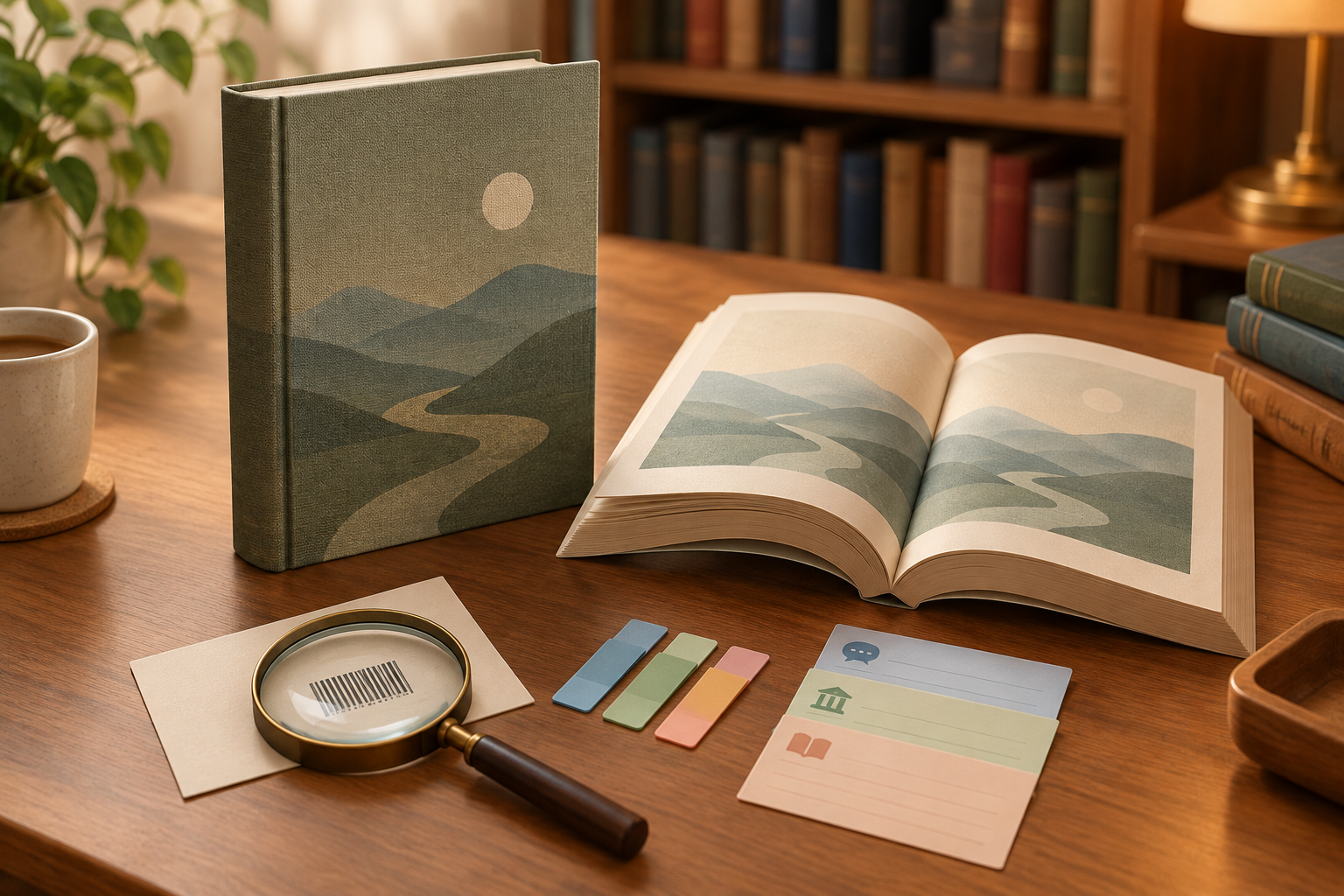
Look for the ISBN on a printed book’s copyright page or near its barcode. For a book you do not have in hand, check the seller’s product details or the library catalog record. Copy the number carefully: a mistyped digit may lead to a different record or no result.
An ISBN identifies a publication, and different formats or language editions generally have separate ISBNs. The International ISBN Agency states that ISBNs have been 13 digits since January 1, 2007; older books may also have, or instead show, a 10-digit ISBN. A different ISBN does not automatically mean the text is a different revision: it may identify a different format or language edition.
To look up a number in the Library of Congress catalog, use its ISBN search guidance. The catalog accepts 10- or 13-digit ISBNs, and its instructions say to omit spaces and hyphens. Search tools and display conventions vary, so follow the instructions for the catalog or retailer you are using.
When a search result appears, compare its details with the listing rather than treating the number as a pass-or-fail test. If the result describes an ebook and the listing offers a paperback, or the language and publisher do not match, pause and investigate.
- Use the ISBN shown for the actual listing or copy, not one borrowed from a similar title.
- Compare the search result’s format and language with what you intend to buy or borrow.
- If one catalog finds no result, try another catalog or search by title and author.
Compare the edition clues beyond the ISBN
Several matching details are more reassuring than a title or barcode match on its own.
Check the author, publisher, publication date, edition statement, language, and format against the book or catalog record. For a translated book, look for the translator’s name. If relevant, check whether the listing describes the book as revised, abridged, illustrated, annotated, or otherwise adapted.
A date alone does not establish that a book is a new edition. A later date might refer to a reprint or a different release, while a catalog may display publication and copyright dates separately. If you need a revision, look for an explicit edition statement or compare the publisher’s description and ISBN instead of assuming the newest date means the text changed.
A cover image can help you recognize a version, but listings may use an old image, reuse cover art, or show a different format. Treat the cover as a clue. When the distinction matters, compare the copyright page or ask for a photo of it.
Read dates and edition statements carefully
“Published” and “copyright” dates can refer to different things, and a new printing is not necessarily a new edition. If a listing says only “new edition” or gives a recent date without explaining what changed, do not infer that the contents match a particular revision you need. Ask for the publisher’s edition wording or a photo of the copyright page.
- Author and any co-authors, editors, or translators
- Publisher and explicit edition statement
- Publication date and, where available, copyright date
- Language and physical or digital format
- Features you specifically need, such as illustrations, notes, maps, or an accompanying resource
| Clue | What it helps you check | What it does not prove by itself |
|---|---|---|
| ISBN | Whether the record points to the expected publication and format | That a particular copy is complete or in good condition |
| Edition statement | Whether the publisher identifies a numbered or revised edition | That the physical copy for sale matches the description |
| Publisher and date | Whether publication details align with the version you want | That a later date means the text has changed |
| Cover image | A visual clue for recognizing a version | That the ISBN, format, or contents are correct |
| Language and translator | Whether the listing appears to match the intended translation | That it matches a specific printing without further checks |
If there is no ISBN or catalog records conflict
Broaden the search, then use publication details or direct confirmation to resolve uncertainty.
Some older or privately printed books may not have an ISBN. Search the full title with the author’s name, then compare publisher, date, edition statement, language, and format across results. If the title is common, add a translator, editor, series name, or other distinctive detail.
You may also see an identifier that looks similar in importance but serves another purpose. The Library of Congress distinguishes its control number, or LCCN, from an ISBN. Do not use an LCCN as a substitute for an ISBN when checking whether a listing matches a publication.
Catalog records can be incomplete or inconsistent, and a seller may have entered an incorrect number or combined details from different versions. If the key clues disagree, do not choose whichever record looks most familiar. Ask for a photo of the copyright page or a direct confirmation of the language, format, and edition statement.
- Search by full title and author, then add a translator, editor, or series name if needed.
- Compare publisher, date, edition statement, language, and format across records.
- Treat an LCCN as distinct from an ISBN.
- Ask for the specific evidence you need, such as a copyright-page photo.
Confirm the copy before buying or borrowing
A focused question to the seller or library can settle mismatches before you commit.
Before buying, compare the listing’s ISBN and format with the record you found, then review any available photos. For a used copy, confirm condition and completeness directly if those matter. An ISBN identifies the publication, not the individual item being shipped, so it cannot guarantee that the copy has no damage or missing inserts.
Before placing a library request, check that the catalog entry describes a format you can use and the edition you need. Library catalogs may display edition details differently, and availability may apply to a specific copy or format. If the record is ambiguous, contact the library and ask staff to confirm what is available before making a trip or submitting a request.
Make your question specific. For example: “Can you confirm this is the unabridged English paperback, and send a photo of the copyright page?” That is more useful than asking only whether it is “the right edition.” Keep the ISBN and the details you need together so the seller or library can check the same version you are considering.
- Write down the language, format, and edition details you need.
- Find the ISBN on the listing, catalog record, or copy, and search it where possible.
- Compare the result with the publisher, date, edition statement, language, and format.
- Review photos or ask about condition and contents when buying a used copy.
- If details still conflict, ask the seller or library to confirm the exact points that matter before proceeding.
Frequently asked questions
Does a different ISBN always mean a different edition?
No. Separate ISBNs can identify different formats or language editions of the same work or edition. Compare the edition statement, publisher, language, and format to find out what differs.
Can I identify a book edition from its cover?
A cover can be a useful clue, but it is not reliable proof. Cover art may change or be shown incorrectly in a listing. Check the ISBN and publication details as well.
What should I do if a book has no ISBN?
Search by title and author, then compare publisher, date, edition statement, language, and format. If you still cannot distinguish the copy, ask the seller or library to confirm the details or provide a photo of the copyright page.
Is an LCCN the same as an ISBN?
No. The Library of Congress distinguishes its control number, or LCCN, from an ISBN. Do not treat an LCCN as a replacement ISBN when checking a publication.
Does a matching ISBN guarantee a used copy is complete and in good condition?
No. An ISBN identifies a publication, not the condition of a particular copy. Check the photos and description, and ask about damage, missing pages, inserts, or other features that matter to you.
Sources & further reading
Explore the original sources behind this article. Our editorial perspective is separate from the organizations we reference.